Anionex/dsh-vision-toolkit
Your text-only DeepSeek agent can now see screenshots
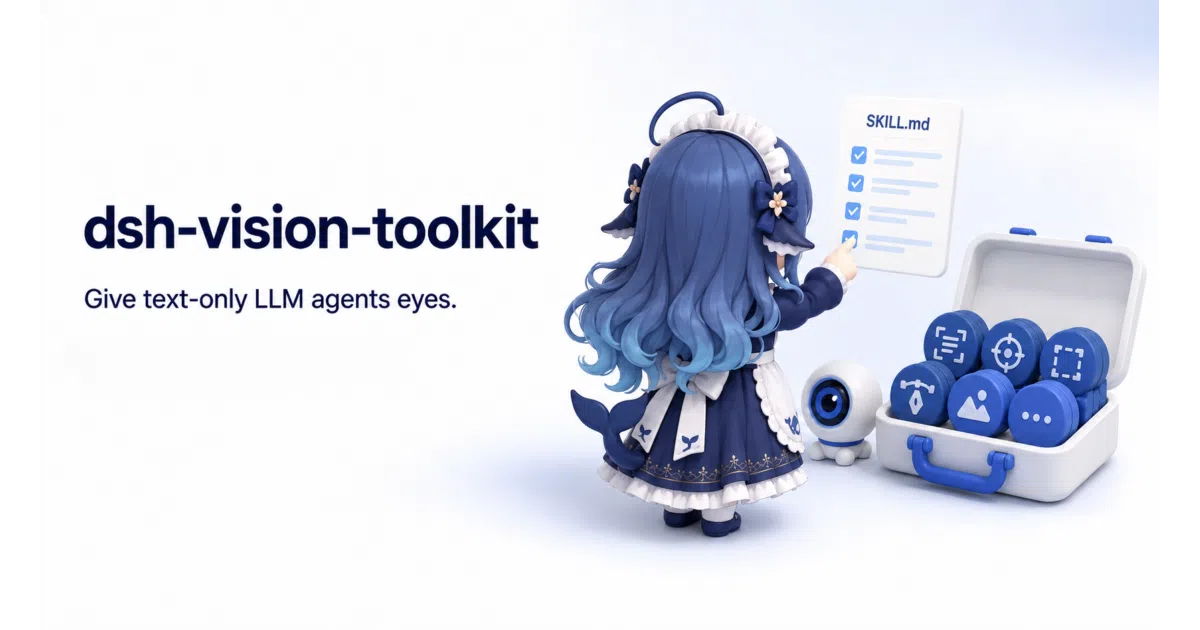
This plugin wires an upstream vision toolkit into DeepSeek Harness so text-only models can inspect images, locate UI elements, and diff screenshots without swapping LLMs.
Not currently ranked — collecting fresh signals.
star history
What it does
DSH Vision Toolkit is a native DeepSeek Harness plugin that equips non-multimodal agents with computer-vision skills. Paste an image into the Web UI and the agent routes the task through vision tools—grounding, cropping, OCR, pixel diffing—instead of demanding a native vision LLM. It ships with a built-in, free Groq Qwen3.6 vision service that works without API keys, while local operations like cropping and color analysis avoid burning shared vision quota.
The interesting bit
The project treats vision as an agentic skill rather than a built-in model sense. The agent chooses when to vision_ground a button, vision_crop an icon, or run a vision_pixel_diff between a reference screenshot and its HTML rebuild, feeding original-image pixel coordinates straight into downstream steps. It is essentially the DeepSeek Harness-native packaging of the author’s earlier agent-vision-toolkit, fitted into DSH Profiles, sessions, and Artifacts.
Key highlights
- Paste an image in DSH Web and the conversation automatically switches to a
(Vision Toolkit)variant; no manual model switching or path copying. - Ten composable tools cover Q&A, element detection, long-screenshot OCR, SVG tracing, foreground extraction, dominant-color analysis, and HTML rendering with full-page capture.
- Built-in free vision service via Groq Qwen3.6 requires no API key; local processing handles crops, diffs, and traces without touching the vision API.
- UI-restoration workflow includes reproducible pixel comparison with difference percentages, ranked regions, and heatmaps to turn “looks close” into measurable progress.
- Coordinates are always returned in original-image
x1,y1,x2,y2format, so grounding output can feed straight into cropping or automation.
Caveats
- The free built-in vision service runs on shared Groq capacity and can return a
429when demand peaks; the README is upfront about this. - The plugin needs network access on first start to prepare an isolated Python runtime, so it does not run fully offline immediately after install.
Verdict
Worth a look if you run non-multimodal agents inside DeepSeek Harness and want to automate screenshot analysis, UI restoration, or visual testing without upgrading your LLM. Skip it if you already use a native vision model or do not work within the DSH ecosystem.
Frequently asked
- What is Anionex/dsh-vision-toolkit?
- This plugin wires an upstream vision toolkit into DeepSeek Harness so text-only models can inspect images, locate UI elements, and diff screenshots without swapping LLMs.
- Is dsh-vision-toolkit open source?
- Yes — Anionex/dsh-vision-toolkit is open source, released under the MIT license.
- What language is dsh-vision-toolkit written in?
- Anionex/dsh-vision-toolkit is primarily written in TypeScript.
- How popular is dsh-vision-toolkit?
- Anionex/dsh-vision-toolkit has 886 stars on GitHub.
- Where can I find dsh-vision-toolkit?
- Anionex/dsh-vision-toolkit is on GitHub at https://github.com/Anionex/dsh-vision-toolkit.