zenbu-labs/terminal-browser
Chromium, but It Lives Inside Your Terminal
It exists so your terminal-bound coding agent can browse the web and render HTML plans without ever leaving the shell.
Velocity · 7d
+20
★ / day
Trend
↘cooling
star history
What it does
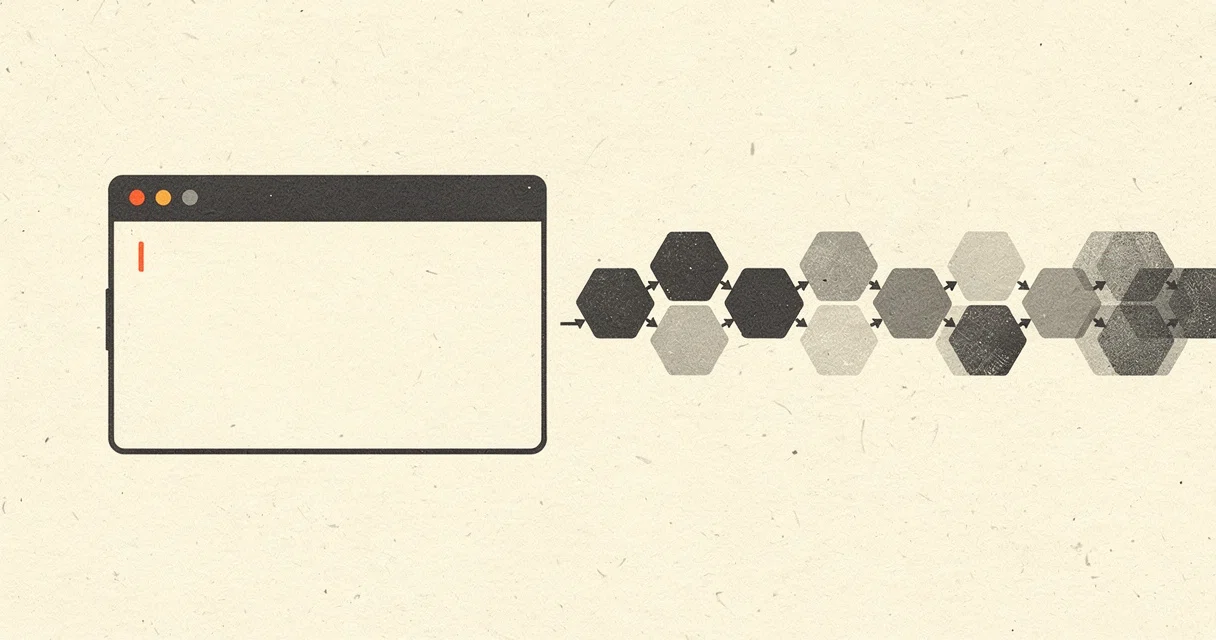
terminal-browser embeds a full Chromium instance inside your terminal emulator by streaming GPU-rendered pixels through the kitty graphics protocol. It turns a text grid into a graphical browser window with tabs, devtools, and mouse input, all without spawning a separate GUI app. The project is pitched squarely at AI coding workflows: you can park a coding agent and a live website in the same terminal tab, or preview sites running on remote machines over SSH.
The interesting bit The architecture is a stack of unlikely bedfellows. Electron’s offscreen rendering API feeds raw GPU pixels to a Rust graphics engine, while the browser chrome itself is drawn by a custom React renderer written in TypeScript—everything composited onto a single shared canvas inside the terminal. For input events the terminal cannot capture, a background Swift app eavesdrops non-intrusively on the OS, enabling smooth trackpad scrolling and infinite-canvas sites inside a text grid.
Key highlights
- Renders Chromium via the kitty graphics protocol, so it works in Ghostty, Kitty, VS Code terminal, and others.
- Exposes an
actionCLI that agents can use to programmatically drive open browser sessions. - Works over SSH, letting you preview remote websites without X forwarding or a local browser.
- Composites browser content and native UI (tabs, URL bar) onto one shared canvas layered by the Rust engine.
Caveats
- Linux support appears to be partial or in progress: the README lists Linux under install but also has an open roadmap item for Linux support via a pull request.
- Some input handling relies on a macOS-specific background Swift application, which may limit functionality on other platforms.
Verdict Worth a look if you run AI agents in the terminal or frequently SSH into remote boxes and hate context-switching to a GUI browser. If your terminal emulator is already modern, this is the closest thing to a native browser that still feels like shell.
Frequently asked
- What is zenbu-labs/terminal-browser?
- It exists so your terminal-bound coding agent can browse the web and render HTML plans without ever leaving the shell.
- Is terminal-browser open source?
- Yes — zenbu-labs/terminal-browser is open source, released under the MIT license.
- What language is terminal-browser written in?
- zenbu-labs/terminal-browser is primarily written in TypeScript.
- How popular is terminal-browser?
- zenbu-labs/terminal-browser has 3.7k stars on GitHub and is currently cooling off.
- Where can I find terminal-browser?
- zenbu-labs/terminal-browser is on GitHub at https://github.com/zenbu-labs/terminal-browser.