zarazhangrui/lark-coding-agent-bridge
Your Feishu chat, now a Claude Code terminal
Because switching between your messenger and terminal to debug code is a context-switching tax nobody asked for.
Not currently ranked — collecting fresh signals.
star history
What it does
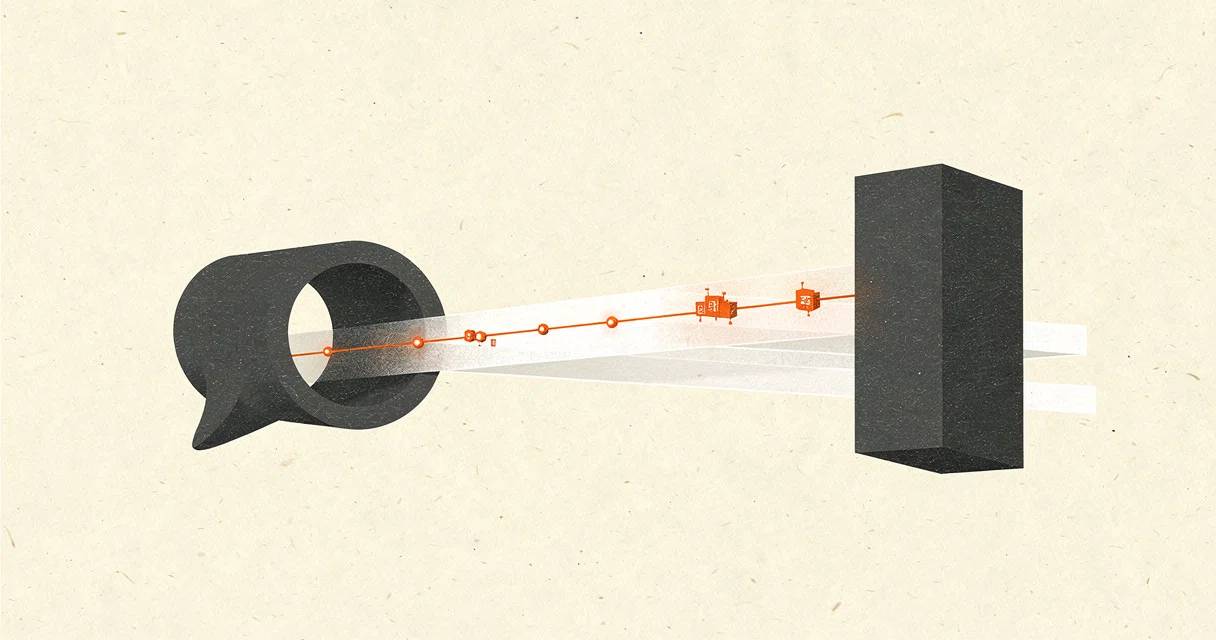
lark-channel-bridge is a TypeScript bot that turns Feishu / Lark into a remote control for your local Claude Code or Codex CLI. You send it a DM or an @ mention, and it forwards the message to the agent, streams back replies on a single live card, and handles file attachments and working directories. It runs as a background service on macOS, Linux, or Windows and keeps separate sessions for every chat thread.
The interesting bit
The project treats a corporate chat app as the frontend for a terminal-bound coding agent. It maps chat threads to persistent sessions, queues messages while the agent is busy, and even translates its own permission modes into Claude or Codex equivalents. The QR-code onboarding and multi-profile support make it feel closer to a product than a glue script.
Key highlights
- Replies and tool calls stream into one real-time Lark card instead of flooding the chat.
- Each conversation, topic, or document comment thread gets its own isolated session.
- Rapid-fire messages are batched; commands like
/stop,/cd, or/ws usecan interrupt or redirect the current run. - Supports multiple profiles with separate credentials, workspaces, and agents—so you can run Claude and Codex side by side.
- Chat access is private by default; only the Feishu app owner can interact until they explicitly
/inviteothers.
Caveats
- Requires Node.js 20.12+ and a Feishu / Lark PersonalAgent app, so it is useless if your team does not use Lark.
- Working-directory checks block obviously dangerous paths like
/or/tmp, but the bridge is not a filesystem sandbox; actual file access is still up to the local agent’s permission mode.
Verdict
A solid fit for teams already living in Feishu / Lark who want to share a local coding agent without building a web UI. Everyone else can safely keep scrolling.
Frequently asked
- What is zarazhangrui/lark-coding-agent-bridge?
- Because switching between your messenger and terminal to debug code is a context-switching tax nobody asked for.
- Is lark-coding-agent-bridge open source?
- Yes — zarazhangrui/lark-coding-agent-bridge is open source, released under the MIT license.
- What language is lark-coding-agent-bridge written in?
- zarazhangrui/lark-coding-agent-bridge is primarily written in TypeScript.
- How popular is lark-coding-agent-bridge?
- zarazhangrui/lark-coding-agent-bridge has 2.6k stars on GitHub.
- Where can I find lark-coding-agent-bridge?
- zarazhangrui/lark-coding-agent-bridge is on GitHub at https://github.com/zarazhangrui/lark-coding-agent-bridge.