wuyoscar/GPT-Image2-Skill
Curated GPT Image 2 prompts packaged for agents and CLI
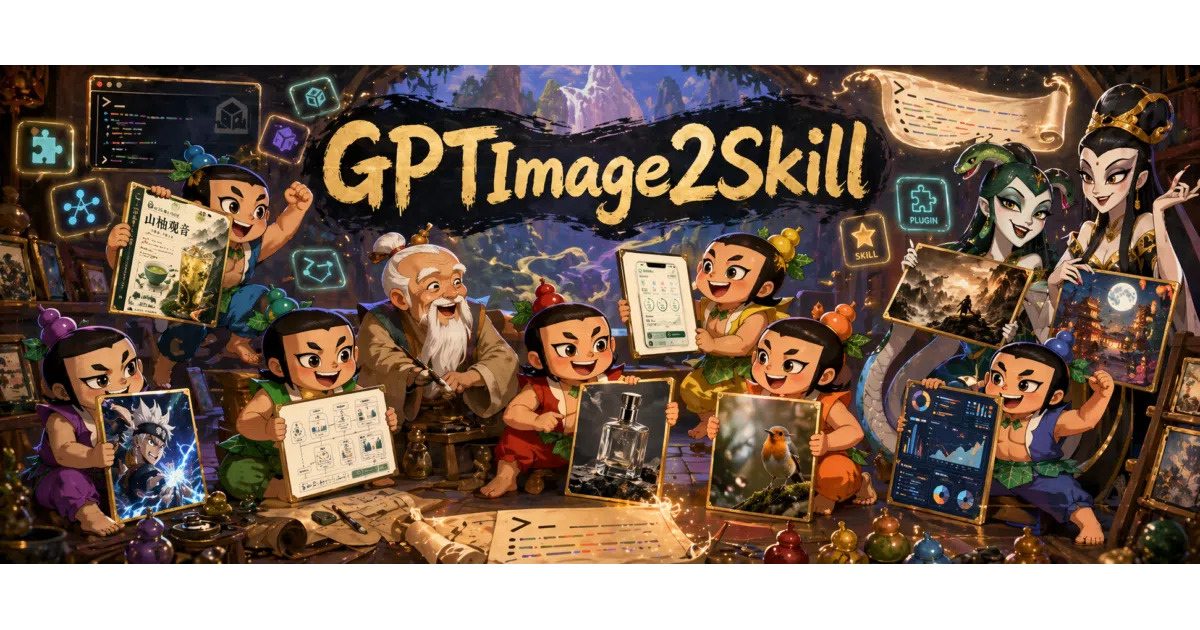
It curates GPT Image 2 prompts and packages them as copy-paste examples, an agent skill, and a lightweight CLI.
Velocity · 7d
+13
★ / day
Trend
↗accelerating
star history
What it does
This repo is a curated prompt gallery for OpenAI’s GPT Image 2, a lightweight Python CLI, and an installable agent skill for runtimes like Claude Code and Codex. It collects selected prompts across research figures, UI mockups, anime, photography, and typography—each tagged with size and quality metadata—so you can copy-paste them or invoke them from an agent chat. The CLI wraps the standard OpenAI image generation and editing endpoints, handling text-to-image, multi-reference edits, and mask-based inpainting.
The interesting bit
The twist is packaging a prompt gallery as an executable agent skill rather than a static blog post. It also keeps the collection deliberately small—prioritizing signal over volume—and ships each prompt with just enough metadata to reconstruct the API call without cluttering the README with repetitive code blocks.
Key highlights
- Curated prompts spanning research figures, UI mockups, anime, photography, typography, and tattoo design.
- Installable as an agent skill for Claude Code, Codex, OpenClaw, and other skill-capable runtimes.
- CLI wraps OpenAI’s generation and editing endpoints, including multi-reference edits and mask-based inpainting.
- Uses
--qualityas a practical budget dial rather than exposing raw API cost controls. - Explicitly warns against dropping generated research figures directly into academic papers.
Caveats
- The CLI is fundamentally a thin wrapper around OpenAI’s API; it requires an API key and does not abstract away rate limits or billing.
- The automated workflow used to maintain and patch the gallery is mentioned but not yet documented.
Verdict
Worth a look if you are tired of blank-page prompting with GPT Image 2 or want your coding agent to handle image tasks. Skip it if you need an offline generator or an exhaustive prompt encyclopedia.
Frequently asked
- What is wuyoscar/GPT-Image2-Skill?
- It curates GPT Image 2 prompts and packages them as copy-paste examples, an agent skill, and a lightweight CLI.
- Is GPT-Image2-Skill open source?
- Yes — wuyoscar/GPT-Image2-Skill is open source, released under the MIT license.
- What language is GPT-Image2-Skill written in?
- wuyoscar/GPT-Image2-Skill is primarily written in Python.
- How popular is GPT-Image2-Skill?
- wuyoscar/GPT-Image2-Skill has 5.9k stars on GitHub and is currently accelerating.
- Where can I find GPT-Image2-Skill?
- wuyoscar/GPT-Image2-Skill is on GitHub at https://github.com/wuyoscar/GPT-Image2-Skill.