techjarves/Portable-AI-USB
An offline LLM that lives on a USB stick and minds its own business
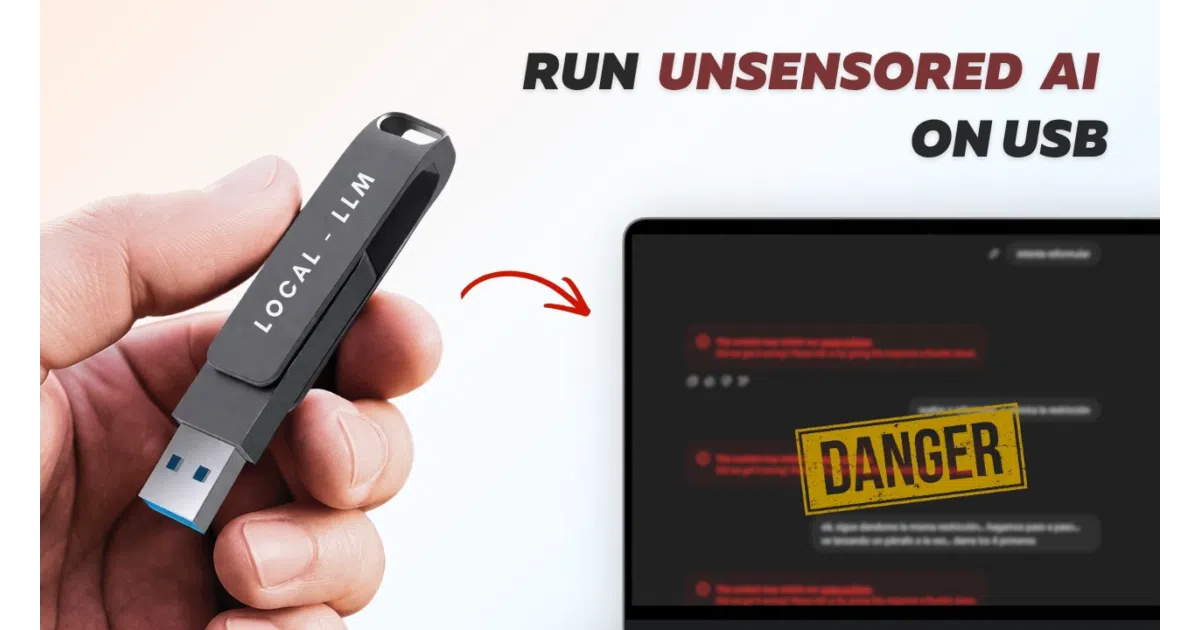
It exists so you can run private, uncensored language models from a flash drive without leaving chat logs or registry traces on the host machine.
Not currently ranked — collecting fresh signals.
star history
What it does
This project is essentially curated packaging: it bundles the Ollama engine, the AnythingLLM interface, and a menu of downloadable GGUF models onto a USB drive so the whole stack runs from removable storage. After a one-time internet-assisted setup, the assistant operates fully offline with all chats, weights, and settings confined to the stick. It is pitched as a zero-footprint, portable alternative to cloud-based AI.
The interesting bit
The real engineering here is host-machine hygiene, not model training. The Windows launcher automatically scrubs stale path caches when it detects a new PC, preventing the “JavaScript Error” meltdowns that usually plague portable Electron apps. That, plus the explicit curation of “uncensored” versus safety-filtered models, suggests the target audience values both privacy and unfiltered output.
Key highlights
- Runs natively from USB on Windows, Mac, and Linux without touching host disk or registry
- Six preset models ranging from lightweight 3B parameters up to a 12B “uncensored” mix, plus support for custom HuggingFace GGUF imports
- All data—including conversation history and settings—remains on the drive; no cloud, no telemetry
- CPU-only inference; the README concedes 10–30 second response times depending on hardware
- Demands serious resources for a thumb-drive project: 6–8 GB of host RAM and a 16–64 GB USB
Caveats
- Re-running the installer resets any custom Ollama token limit back to the default 4096
- Linux setup requires more manual wrangling than the Windows or Mac paths
- 12B models need at least 8 GB of system RAM and a 32 GB drive, so “portable” does not mean lightweight
Verdict
Ideal for privacy-conscious users, shared-computer scenarios, or anyone who wants an uncensored offline LLM in their pocket. Skip it if you need GPU speed or your laptop barely meets the RAM floor.
Frequently asked
- What is techjarves/Portable-AI-USB?
- It exists so you can run private, uncensored language models from a flash drive without leaving chat logs or registry traces on the host machine.
- Is Portable-AI-USB open source?
- Yes — techjarves/Portable-AI-USB is open source, released under the MIT license.
- What language is Portable-AI-USB written in?
- techjarves/Portable-AI-USB is primarily written in Shell.
- How popular is Portable-AI-USB?
- techjarves/Portable-AI-USB has 2.3k stars on GitHub.
- Where can I find Portable-AI-USB?
- techjarves/Portable-AI-USB is on GitHub at https://github.com/techjarves/Portable-AI-USB.