ogrisel/parallel_ml_tutorial
PyCon 2013 tutorial: parallel ML before it was mainstream
A time-capsule notebook collection teaching scikit-learn parallelism via IPython, back when IPython 2.2.0 was current.
Not currently ranked — collecting fresh signals.
star history
What it does A set of executable IPython notebooks from a 2013 PyCon tutorial by Olivier Grisel, covering how to parallelize scikit-learn workflows across cores and cheap EC2 spot instances. Topics span cross-validation, grid search, text feature extraction, memory-mapped numpy arrays, and spinning up clusters with the since-deprecated StarCluster tool.
The interesting bit The tutorial captures a specific evolutionary moment: scikit-learn’s Estimator API was still being learned, IPython (not yet Jupyter) was the interactive frontier, and “cheap parallel compute” meant wrangling StarCluster on Amazon spot instances. The material is adapted from a SciPy 2013 tutorial by Gael Varoquaux and Jake VanderPlas.
Key highlights
- Static rendered notebooks viewable without installation via nbviewer.ipython.org
- Covers numpy memory mapping for node-level memory optimization
- Includes
fetch_data.pyto pull datasets before running interactively - Explicitly targets developers already comfortable with scikit-learn basics
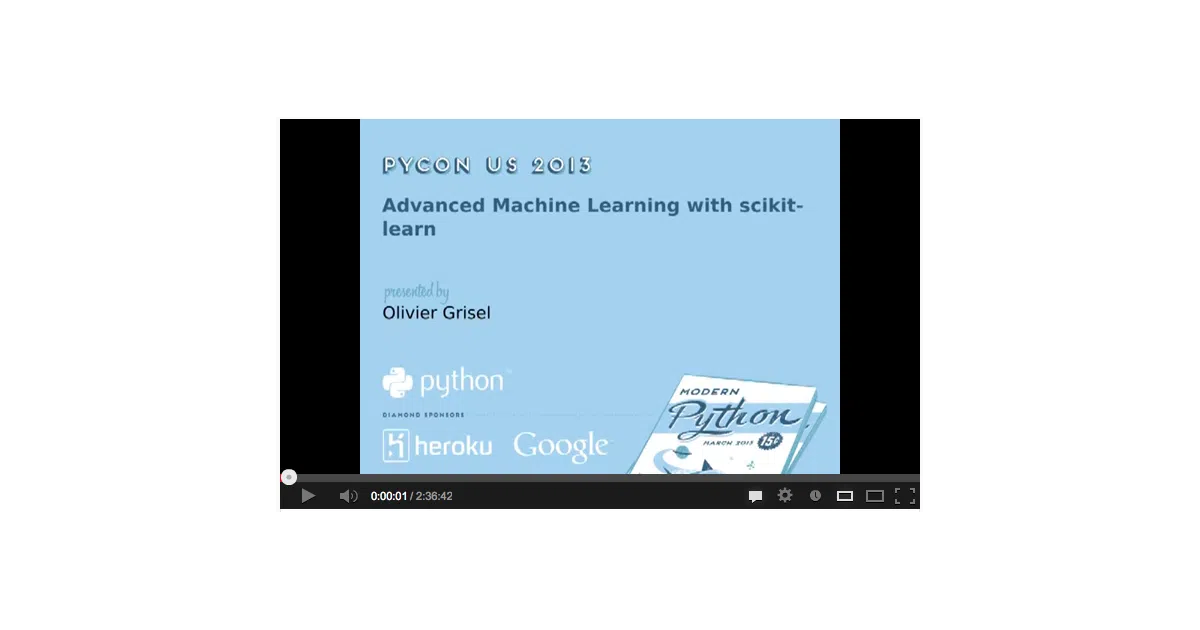
- Video recording available for following along with notebook titles as section markers
Caveats
- Setup instructions reference IPython 2.2.0 and scikit-learn 0.15.2; modern environments will need translation
- StarCluster dependency for EC2 clustering is unmaintained (last release 2013)
- No updates since original publication; some APIs have evolved significantly
Verdict
Worth browsing for historical context on how the scikit-learn ecosystem taught parallelism, or if you’re maintaining legacy IPython-based workflows. Skip if you need current best practices—modern Dask, Ray, or scikit-learn’s own n_jobs patterns have superseded much of this.
Frequently asked
- What is ogrisel/parallel_ml_tutorial?
- A time-capsule notebook collection teaching scikit-learn parallelism via IPython, back when IPython 2.2.0 was current.
- Is parallel_ml_tutorial open source?
- Yes — ogrisel/parallel_ml_tutorial is an open-source project tracked on heatdrop.
- What language is parallel_ml_tutorial written in?
- ogrisel/parallel_ml_tutorial is primarily written in Jupyter Notebook.
- How popular is parallel_ml_tutorial?
- ogrisel/parallel_ml_tutorial has 1.6k stars on GitHub.
- Where can I find parallel_ml_tutorial?
- ogrisel/parallel_ml_tutorial is on GitHub at https://github.com/ogrisel/parallel_ml_tutorial.