model-zoo/shift-ctrl-f
Ctrl-F for people who think in questions, not keywords
A Chrome extension that replaces exact string matching with on-device BERT question-answering.
Not currently ranked — collecting fresh signals.
star history
What it does
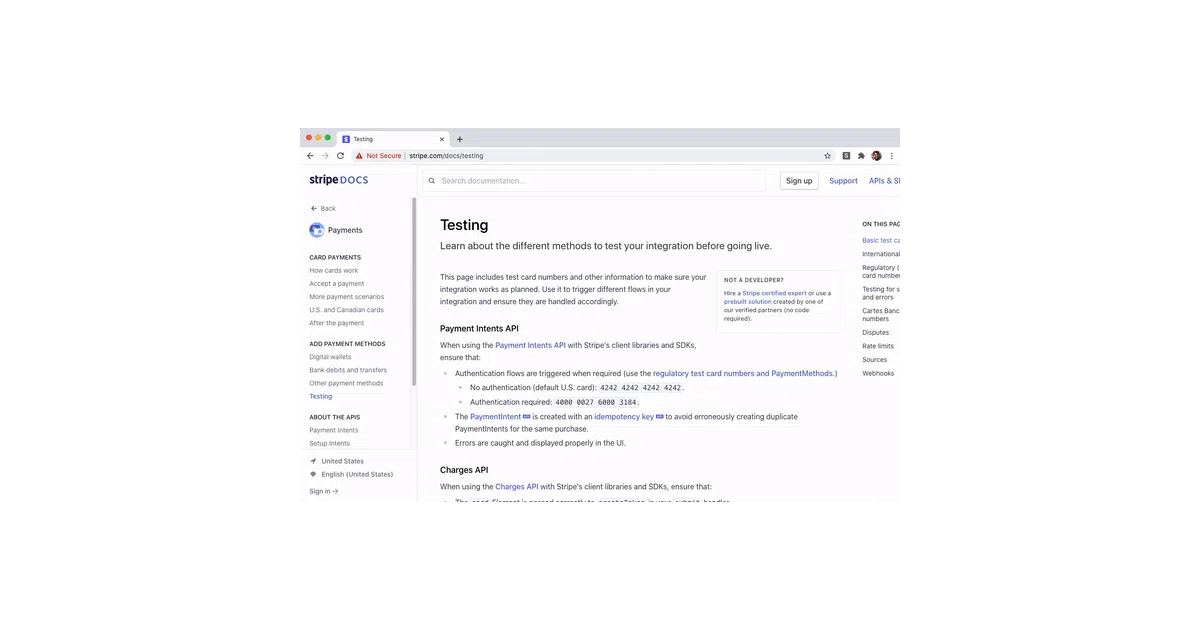
Shift-Ctrl-F is a Chrome extension that lets you ask natural-language questions about a webpage instead of hunting for exact phrases. Type “What is the difference between live mode and test mode?” and it highlights relevant paragraphs even if they never use the word “difference.”
Under the hood, it scrapes all <p>, <ul>, and <ol> elements, runs MobileBERT (fine-tuned on SQuAD) via TensorFlow.js on each one as a question-context pair, and surfaces matches with confidence scores.
The interesting bit
The whole model runs locally in a background script — no server round-trip, no API keys, no rate limits. That’s the only way this feels usable: pipe every paragraph of a page through BERT in a browser tab and you quickly learn why “on-device ML” is usually a press release, not a product. Here it actually ships.
Key highlights
- Uses MobileBERT via TensorFlow.js entirely within the extension; no external inference service
- Fine-tuned on SQuAD, the standard reading-comprehension dataset
- React popup + content script + background script architecture with explicit message-passing protocol
- Apache 2.0 licensed, available on Chrome Web Store as unpacked or packaged build
- Explicitly labeled an experiment by its own authors
Caveats
- Only processes
<p>,<ul>, and<ol>elements; tables, code blocks, and other structures are invisible to it - The README warns that results may be “unpredictable and/or biased” — this is BERT being BERT, not a solved problem
- Runs inference on every text element per search, so performance on long pages is unclear from the docs
Verdict
Worth a look if you research dense documentation and routinely Ctrl-F through three synonyms before finding the right paragraph. Skip it if you need reliable, interpretable results or work heavily with non-paragraph content.
Frequently asked
- What is model-zoo/shift-ctrl-f?
- A Chrome extension that replaces exact string matching with on-device BERT question-answering.
- Is shift-ctrl-f open source?
- Yes — model-zoo/shift-ctrl-f is open source, released under the Apache-2.0 license.
- What language is shift-ctrl-f written in?
- model-zoo/shift-ctrl-f is primarily written in JavaScript.
- How popular is shift-ctrl-f?
- model-zoo/shift-ctrl-f has 1.1k stars on GitHub.
- Where can I find shift-ctrl-f?
- model-zoo/shift-ctrl-f is on GitHub at https://github.com/model-zoo/shift-ctrl-f.