lavague-ai/LaVague
An LLM that clicks through websites so you don’t have to
LaVague is a framework that turns natural-language objectives into executable browser automation, generating and running Selenium or Playwright code via an LLM-driven agent pipeline.
Not currently ranked — collecting fresh signals.
star history
What it does
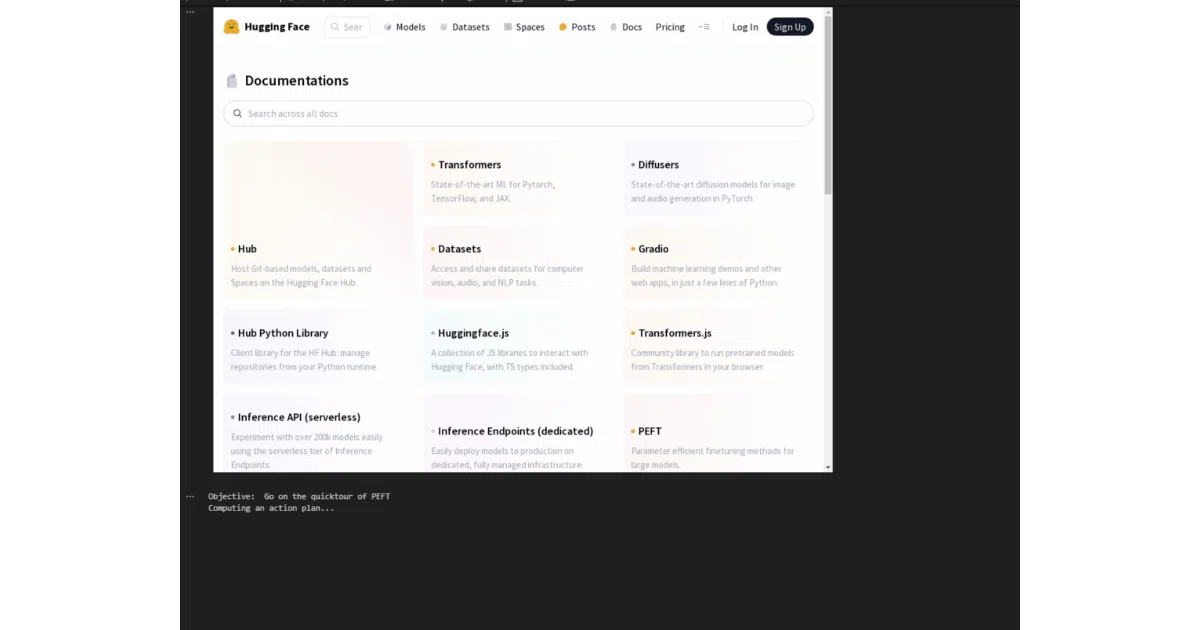
LaVague lets developers build AI Web Agents that accept high-level objectives—like finding installation steps on a documentation site—and autonomously navigate pages to complete them. The framework splits the work between a World Model, which plans the next steps from the current page state, and an Action Engine, which translates those plans into concrete browser commands and executes them. It supports Selenium, Playwright, and a Chrome extension driver, and includes a separate QA tool that converts Gherkin specs into automated tests.
The interesting bit
The framework treats web automation as a compilation problem: natural language instructions are “compiled” down to driver-specific action code rather than being interpreted as rigid scripts. This separation of planning from execution means you can swap the underlying browser driver without rewriting the high-level logic, though the README notes that not all drivers support the same features yet.
Key highlights
- Modular agent architecture with a World Model for planning and an Action Engine for execution
- Supports multiple browser backends: Selenium, Playwright, and a Chrome extension
- Built-in token counter and cost estimation for LLM calls
- Optional Gradio interface for interactive agent demos
- Dedicated
LaVague QAtooling for test automation from Gherkin specifications - Extensive telemetry collection (action history, HTML chunks, LLM usage) with an opt-out via environment variable
Caveats
- Extensive telemetry is enabled by default, sending generated code, page URLs, objectives, and HTML fragments to the project maintainers; you must explicitly set
LAVAGUE_TELEMETRYto"NONE"to disable it - Driver feature parity is uneven: Playwright lacks headless and multi-tab support (marked “coming soon”), and the Chrome extension cannot handle iframes
- Default setup requires an OpenAI API key, and running costs scale with website complexity and chosen models
Verdict
Worth a look if you are prototyping LLM-driven browser automation or want to generate QA tests from plain English specs. Skip it if you need fully headless Playwright agents today or if you cannot route sensitive page data through third-party LLMs.
Frequently asked
- What is lavague-ai/LaVague?
- LaVague is a framework that turns natural-language objectives into executable browser automation, generating and running Selenium or Playwright code via an LLM-driven agent pipeline.
- Is LaVague open source?
- Yes — lavague-ai/LaVague is open source, released under the Apache-2.0 license.
- What language is LaVague written in?
- lavague-ai/LaVague is primarily written in Python.
- How popular is LaVague?
- lavague-ai/LaVague has 6.4k stars on GitHub.
- Where can I find LaVague?
- lavague-ai/LaVague is on GitHub at https://github.com/lavague-ai/LaVague.