iFurySt/open-codex-computer-use
Desktop automation for AI agents, no OpenAI invite required
It wraps your operating system's accessibility APIs into an MCP server so any AI agent can see and control your desktop without waiting for OpenAI's closed beta.
Velocity · 7d
+57
★ / day
Trend
↗accelerating
star history
What it does
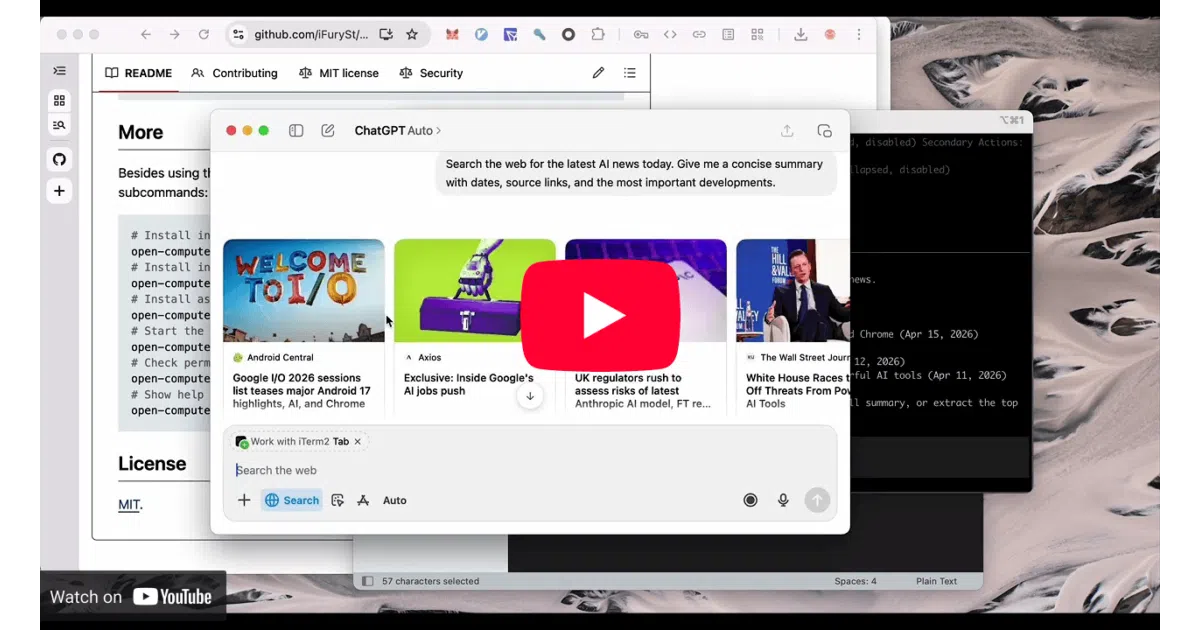
open-computer-use is an open-source answer to OpenAI’s Codex Computer Use: an MCP server that translates AI agent requests into native desktop actions. It runs on macOS, Linux, and Windows, letting compatible agents inspect application state, press keys, and run multi-step UI sequences through the operating system’s accessibility layer. The repository also includes a separate macOS app called Cursor Motion that mimics the smooth pointer animations seen in closed-source demos.
The interesting bit
Rather than coupling desktop control to a single vendor, the author wrapped low-level accessibility hooks behind the standardized Model Context Protocol, so Codex, Claude Code, Gemini CLI, and opencode can all drive the same machine without bespoke integrations. The author notes the codebase is almost entirely AI-generated, built from a personal harness template designed for rapidly spinning up AI-first projects.
Key highlights
- Cross-platform GUI automation via native accessibility APIs on macOS, Linux, and Windows.
- MCP-native architecture allows any compatible client to query apps, send keystrokes, and execute chained UI sequences.
- Supports sequential tool calls with persistent element state across steps.
- Bundles a standalone macOS Cursor Motion utility for human-like pointer movement.
Caveats
- macOS requires manual Accessibility and Screen Recording permissions before the server can read or interact with the UI.
Verdict
A pragmatic choice if you want a vendor-neutral bridge between AI agents and your desktop. Less appealing if you need deep documentation, extensive action primitives, or a long track record in production.
Frequently asked
- What is iFurySt/open-codex-computer-use?
- It wraps your operating system's accessibility APIs into an MCP server so any AI agent can see and control your desktop without waiting for OpenAI's closed beta.
- Is open-codex-computer-use open source?
- Yes — iFurySt/open-codex-computer-use is open source, released under the MIT license.
- What language is open-codex-computer-use written in?
- iFurySt/open-codex-computer-use is primarily written in Swift.
- How popular is open-codex-computer-use?
- iFurySt/open-codex-computer-use has 1.5k stars on GitHub and is currently accelerating.
- Where can I find open-codex-computer-use?
- iFurySt/open-codex-computer-use is on GitHub at https://github.com/iFurySt/open-codex-computer-use.