friuns2/codex-mobile
Your Codex desktop app, liberated into a browser
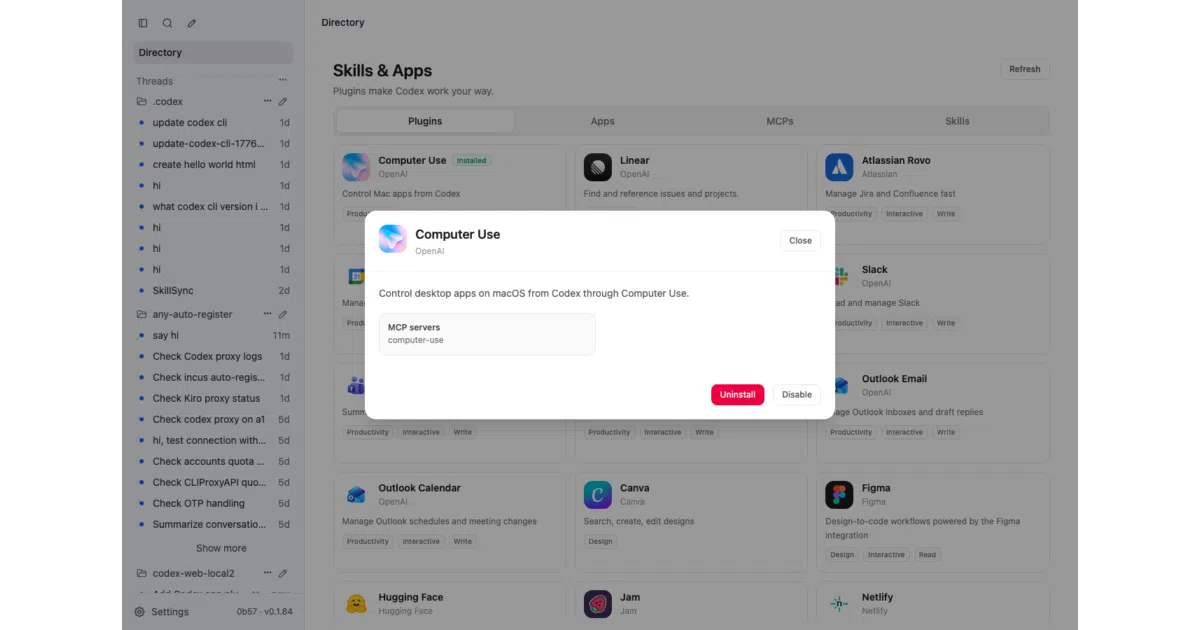
A lightweight bridge that exposes the Codex app-server through a cross-platform web UI, because not every machine runs a supported desktop OS.
Not currently ranked — collecting fresh signals.
star history
What it does
codexapp is an Express-and-Vue bridge that sits between your browser and the Codex app-server. It renders the Codex desktop experience as a web UI, which means you can run it on Linux, Windows, or inside Termux on Android without needing a native desktop client. The project is forked from pavel-voronin/codex-web-local and expanded with mobile layouts, a Telegram bot, and project import/export.
The interesting bit
The README treats Android via Termux as a first-class citizen, complete with battery-optimization warnings and wake-lock hints. It also auto-spawns a Cloudflare tunnel on startup so you can reach the UI from elsewhere without configuring reverse proxies yourself, though you can disable that with --no-tunnel if you prefer Tailscale or local-only access.
Key highlights
- Browser-based Codex UI with mobile-specific layout tweaks like a swipe-friendly drawer sidebar and sheet-style modals
- Optional Telegram bot bridge that maps chat threads to Codex conversations, restricted by allowlisted user IDs
- Project portability: export a project as a ZIP including chat history, then import and resume it elsewhere with rewritten paths and provider settings
- Built-in voice dictation in the composer, plus hold-to-transcribe flow
- LAN-friendly by default, with automatic tunneling if you want broader access
Caveats
- Mobile Safari has minor CSS issues, and proxying setups may behave differently than direct access for authentication
- Project ZIP imports currently buffer the entire file in memory because browser uploads arrive as a single blob
- Conversations created in the web UI may not sync immediately with the Windows desktop app until you restart the latter
Verdict
Worth a look if you want the Codex experience on an unsupported platform, a headless server, or your phone. Skip it if you are happy running the official desktop app locally and never need remote or browser access.
Frequently asked
- What is friuns2/codex-mobile?
- A lightweight bridge that exposes the Codex app-server through a cross-platform web UI, because not every machine runs a supported desktop OS.
- Is codex-mobile open source?
- Yes — friuns2/codex-mobile is open source, released under the MIT license.
- What language is codex-mobile written in?
- friuns2/codex-mobile is primarily written in TypeScript.
- How popular is codex-mobile?
- friuns2/codex-mobile has 976 stars on GitHub.
- Where can I find codex-mobile?
- friuns2/codex-mobile is on GitHub at https://github.com/friuns2/codex-mobile.