fjrdomingues/autopilot
Autopilot: GPT-4 with a filing cabinet
A Node.js tool that indexes your codebase into a metadata database so GPT can find relevant files before attempting edits.
Not currently ranked — collecting fresh signals.
star history
What it does
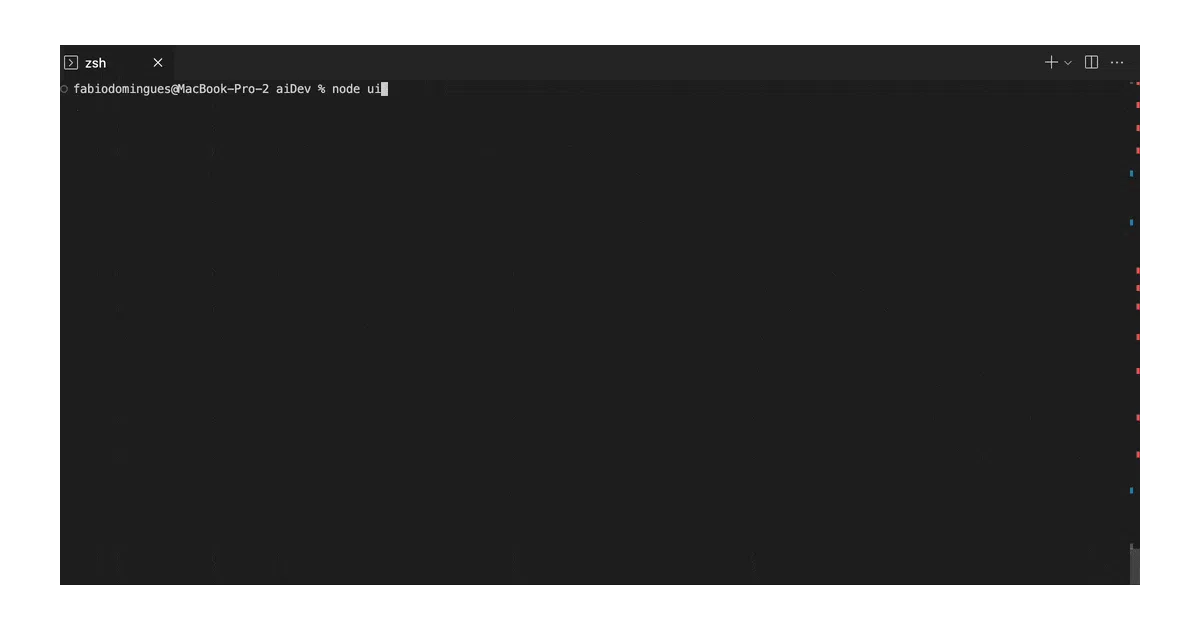
Autopilot ingests a codebase, builds a local metadata database of file summaries, then uses that index to pick which files GPT needs to read for a given task. It applies changes directly and shows a git diff, or lets you step through each action in interactive mode.
The interesting bit
The metadata database is the practical hook. Instead of throwing the entire repo at GPT and praying for the best context window math, Autopilot pre-summarizes files and queries that index to narrow the search. It’s a brute-force solution to a real problem: most codebases don’t fit in a prompt.
Key highlights
- Pre-processes and indexes codebase files into a local DB (stored inside the target directory)
- Parallel agent calls where possible
- Interactive mode with retry/continue/abort at each step
- Full audit log of every AI interaction
- Can reference files by path, filename, function name, or broad business concept
- Works as a GitHub app via Code Autopilot for automated issue resolution
Caveats
- Cannot create files from scratch, delete files, or install new dependencies
- No self-testing or cascading test updates yet
- “General logical requests” are explicitly marked as hit-or-miss depending on model and codebase
- Requires Node 18+, OpenAI API key, manual
.envsetup
Verdict
Worth a look if you want GPT-4 to edit existing code across multiple files without hand-holding the context selection. Skip it if you need greenfield scaffolding, dependency management, or reliable test-driven iteration — the README is admirably honest about those gaps.
Frequently asked
- What is fjrdomingues/autopilot?
- A Node.js tool that indexes your codebase into a metadata database so GPT can find relevant files before attempting edits.
- Is autopilot open source?
- Yes — fjrdomingues/autopilot is an open-source project tracked on heatdrop.
- What language is autopilot written in?
- fjrdomingues/autopilot is primarily written in JavaScript.
- How popular is autopilot?
- fjrdomingues/autopilot has 608 stars on GitHub.
- Where can I find autopilot?
- fjrdomingues/autopilot is on GitHub at https://github.com/fjrdomingues/autopilot.