danielealbano/android-remote-control-mcp
An Android phone that hosts its own AI remote-control server
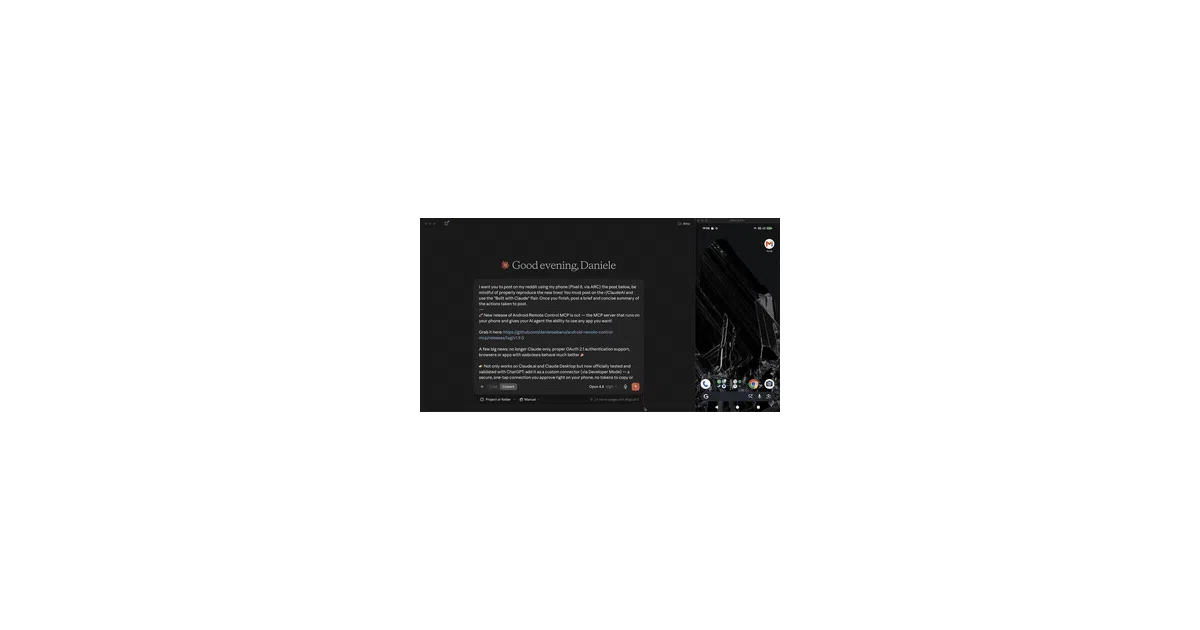
It turns an Android phone into a native MCP server so AI agents can tap, type, and swipe remotely without a tethered laptop or ADB.
Not currently ranked — collecting fresh signals.
star history
What it does
The app runs an HTTP MCP server directly on an Android device using Ktor and Netty. AI models connect to it over the network—optionally through Cloudflare or ngrok tunnels—and issue commands that translate into real taps, swipes, text input, screenshots, file management, and app launches via Android’s accessibility APIs. It exposes 57 tools across 14 categories, effectively letting an agent operate the phone as if it were sitting in front of it.
The interesting bit
Unlike nearly every alternative, the server lives on the phone itself, not on a host machine relaying ADB commands over USB. That alone cuts action latency from seconds to milliseconds, but the project also squeezes token costs by sending compact UI state instead of verbose uiautomator XML, annotating screenshots with reference numbers, and letting you disable individual tools so unused definitions do not bloat every prompt. There is even an on-device privacy mode that pseudonymizes emails, credit cards, and IDs with a local NER model before anything leaves the handset.
Key highlights
- Runs entirely on-device: no ADB, no tethered computer, works over the internet via built-in tunnel support.
- 57 MCP tools covering screen introspection, gestures, file operations, camera, notifications, location, and more.
- Token-optimized screen state and configurable screenshot quality to keep agentic loops cheap.
- Per-tool and per-parameter permission toggles, plus a self-contained OAuth 2.1 server for on-device approval.
- GMS and FOSS APK flavors, so it works on de-Googled devices too.
Caveats
- The README carries a heavy “research and educational purposes only” warning, and users must manually grant accessibility permissions—sometimes fighting Android’s “restricted settings” lock on side-loaded APKs.
- Privacy Mode is explicitly labeled best-effort mitigation, not a guarantee.
- The comparison table’s latency and token-efficiency claims are self-reported against unnamed benchmarks; treat them as directional.
Verdict
Worth a look if you are building agentic workflows that need to interact with mobile apps where no API exists. Skip it if you were hoping for an iOS version or a plug-and-play SaaS; this is an Android APK that demands accessibility rights and a healthy sense of caution.
Frequently asked
- What is danielealbano/android-remote-control-mcp?
- It turns an Android phone into a native MCP server so AI agents can tap, type, and swipe remotely without a tethered laptop or ADB.
- Is android-remote-control-mcp open source?
- Yes — danielealbano/android-remote-control-mcp is open source, released under the MIT license.
- What language is android-remote-control-mcp written in?
- danielealbano/android-remote-control-mcp is primarily written in Kotlin.
- How popular is android-remote-control-mcp?
- danielealbano/android-remote-control-mcp has 688 stars on GitHub.
- Where can I find android-remote-control-mcp?
- danielealbano/android-remote-control-mcp is on GitHub at https://github.com/danielealbano/android-remote-control-mcp.