bramses/chatgpt-md
ChatGPT inside your notes, not beside them
An Obsidian plugin that turns any Markdown file into a chat thread with AI—local or cloud, with your vault as context.
Not currently ranked — collecting fresh signals.
star history
What it does
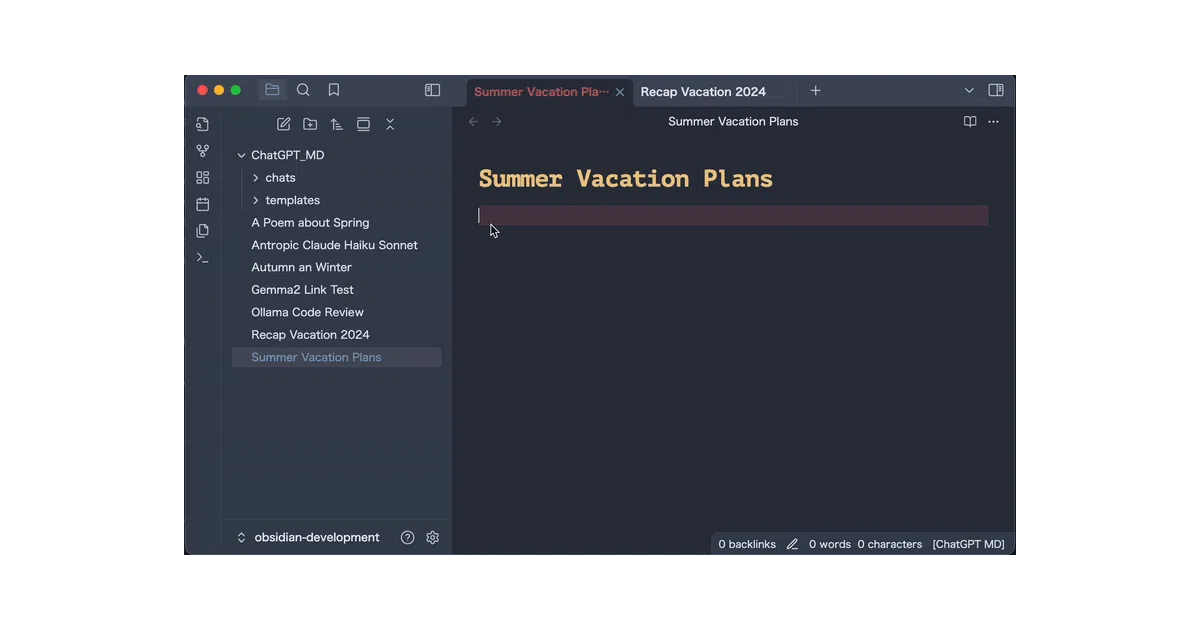
ChatGPT MD embeds conversations directly into Obsidian notes. You type, hit a command, and the AI responds inline—no tab switching, no copy-paste. It supports OpenAI, OpenRouter.ai, and local models via Ollama or LM Studio, with per-note configuration through YAML frontmatter.
The interesting bit
The tool-calling architecture is deliberately paranoid in a good way: the AI can search your vault or the web, but only after you approve each request and filter the results. Everything executes locally through Obsidian’s API; nothing gets piped back to the model without explicit consent. There’s also an “AI Wizard” that generates agent personas for you—name, temperature, system prompt, and all.
Key highlights
- Conversations live in plain Markdown, editable and resumable
- Switch models mid-chat via frontmatter (
ollama@llama3.2,gpt-5, etc.) - Vault search, file reading, and web search with human-in-the-loop approval
- Local-first option through Ollama; zero API costs, zero telemetry
- Reusable agent templates stored as Markdown files with frontmatter
Caveats
- Tool calling requires capable models; older ones may not support function calling
- The README notes a deprecated
urlparameter, so existing templates may need migration - Default
max_tokensis 300—fine for quick replies, too tight for code or longform
Verdict Worth a look if you already live in Obsidian and want AI that reads your notes, not just the internet. Skip it if you prefer isolated chat UIs or don’t want to manage frontmatter.
Frequently asked
- What is bramses/chatgpt-md?
- An Obsidian plugin that turns any Markdown file into a chat thread with AI—local or cloud, with your vault as context.
- Is chatgpt-md open source?
- Yes — bramses/chatgpt-md is open source, released under the MIT license.
- What language is chatgpt-md written in?
- bramses/chatgpt-md is primarily written in TypeScript.
- How popular is chatgpt-md?
- bramses/chatgpt-md has 1.4k stars on GitHub.
- Where can I find chatgpt-md?
- bramses/chatgpt-md is on GitHub at https://github.com/bramses/chatgpt-md.