awlevin/typesafe-computer-use
Skip the screenshot-to-API tax: cheap Mac automation with TypeSafe
Because most computer-use steps don't need a frontier model—they just need a fast, cheap choice from a short list.
Collecting fresh signals — velocity needs a few days of history.
collecting data…
star history
What it does
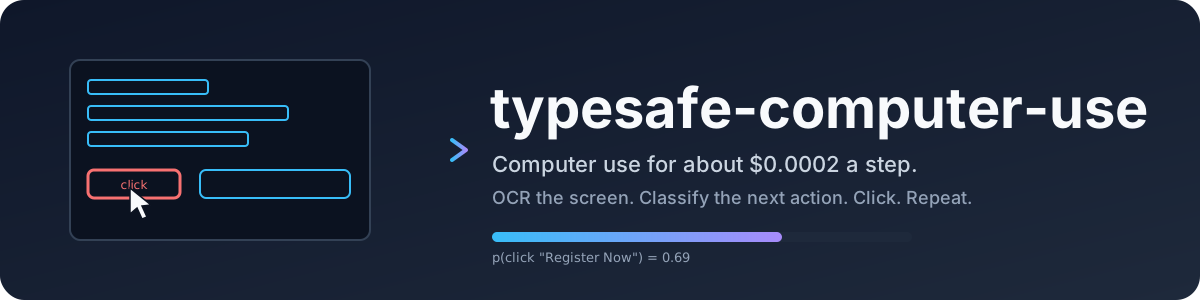
typesafe-computer-use turns a plain-English goal into mouse clicks and keystrokes on your Mac. It captures the screen, runs OCR, merges the result with the macOS accessibility tree, and asks a TypeSafe classifier to pick the next action from a short, mutually exclusive list. A writing model only gets involved when you actually need to type free text or summarize the final screen.
The interesting bit The real work is deterministic screen parsing, not generative planning. The author rebuilt basic reasoning—like parsing dates from pixels—as deterministic state because the small classifier can’t do it unaided, trading raw capability for a 150× cost drop and sub-second latency. The OCR pipeline is also surprisingly surgical: it reuses unchanged tiles, clusters changes into blobs, and crops tightly around the frontmost window to keep Vision API costs down.
Key highlights
- About $0.0002 per step, or roughly 150× to 300× cheaper than Claude Opus 5 on the same task, per the README’s benchmark table.
- End-to-end steps run in about 1.5 seconds, versus roughly 5.5 seconds for a frontier model loop.
- Splits every decision into three mutually exclusive choices (action kind, item, site) so overlapping options don’t dilute the classifier’s confidence.
- Falls back to an accessibility tree walk to find icons and controls OCR can’t see, though coverage varies wildly by app (Finder: 100%, Spotify: 0%).
- Surfaces off-screen controls—like Dock items or scrolled-out links—as a separate capped list, since
AXPressworks even when the element isn’t visible.
Caveats
- macOS 14+ only, and you must hand out Screen Recording and Accessibility permissions or it silently fails.
- The accessibility tree is uneven coverage: Chrome and Finder are well-behaved, but Electron apps like Spotify expose almost nothing, and terminals appear as a single text area.
- Any reasoning a frontier model handles implicitly—like comparing event dates from raw pixels—has to be explicitly rebuilt here as deterministic logic, so the system is narrower by design.
Verdict Worth a look if you’re building Mac automation and want to prove that most “agent” steps are glorified if-statements that shouldn’t cost a cent. Skip it if you need cross-platform support or expect frontier-model-level improvisation from raw screenshots.
Frequently asked
- What is awlevin/typesafe-computer-use?
- Because most computer-use steps don't need a frontier model—they just need a fast, cheap choice from a short list.
- Is typesafe-computer-use open source?
- Yes — awlevin/typesafe-computer-use is open source, released under the MIT license.
- What language is typesafe-computer-use written in?
- awlevin/typesafe-computer-use is primarily written in Python.
- How popular is typesafe-computer-use?
- awlevin/typesafe-computer-use has 520 stars on GitHub.
- Where can I find typesafe-computer-use?
- awlevin/typesafe-computer-use is on GitHub at https://github.com/awlevin/typesafe-computer-use.