To3akaRin/mac-computer-use
Mac-native agent tools that check their own work
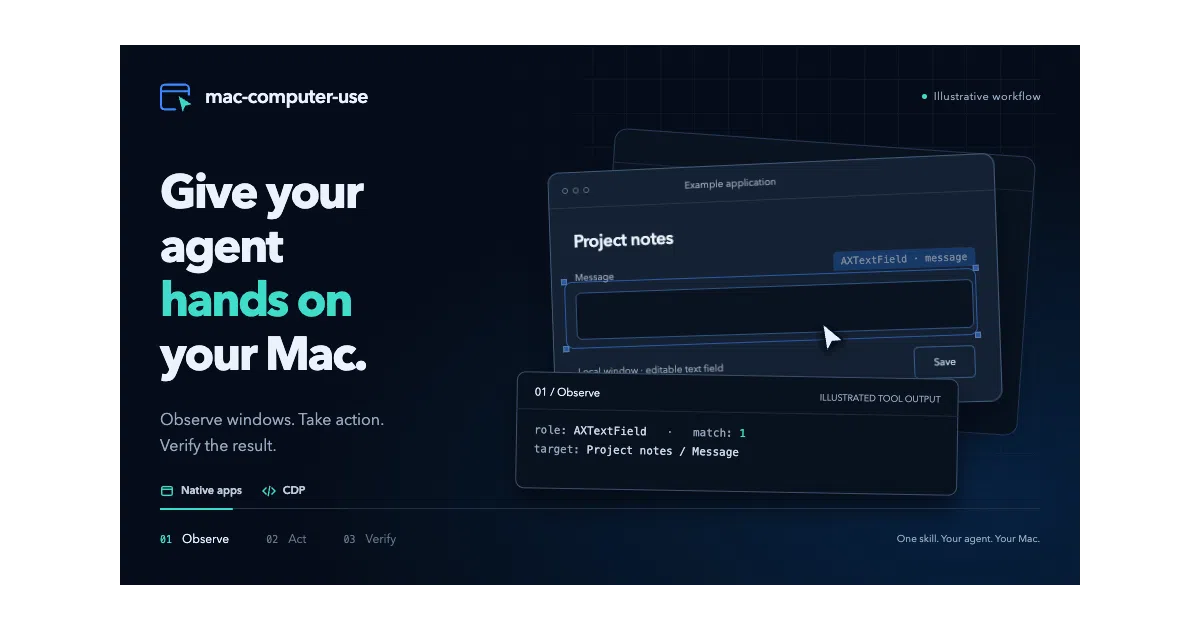
It packages native macOS Accessibility and Chromium DevTools into an open skill standard, letting LLM agents observe, click, and verify desktop actions without leaving the machine.
Collecting fresh signals — velocity needs a few days of history.
collecting data…
star history
What it does
mac-computer-use is a local skill that lets LLM agents drive macOS apps through native Accessibility APIs and the Chrome DevTools Protocol. It gives runtimes like Claude Code, Codex, or Cursor a structured set of commands to list windows, read controls, inject text, click, scroll, and capture screenshots, then report back in JSON. Everything executes on the Mac itself; there is no hosted backend or remote sandbox.
The interesting bit
Most desktop automation libraries fire events and hope for the best; this one treats uncertainty as a first-class failure mode. Agents must preview writes with --dry-run, prove user inactivity before seizing the foreground, and rely on read-only assertions for verification rather than repeating the action to “check.” That makes it slower by design, and noticeably more careful than typical RPA glue.
Key highlights
- Agent-agnostic: follows the open Agent Skills spec, so runtimes load the same package without proprietary plugins.
- Dual-channel control: a Swift executable for native macOS Accessibility, plus a Node.js CDP client for embedded Chromium pages.
- Safety-first foreground rules: requires a session lock, two seconds of user inactivity, and allows user input to interrupt the agent.
- Evidence-based output: returns JSON with target coordinates, channel used, status, and screenshot proof via ScreenCaptureKit.
- Ships with a tangible demo: an agent generated a 218 KiB, 3,388-triangle 3D exhibition model from reference photos in about 12 minutes.
Caveats
- Requires macOS 14+ and Swift 6 Command Line Tools; CDP tools additionally need Node.js 22.4+.
- Acceptance testing is documented only for Apple Silicon running macOS 15.7.7; Intel and macOS 14 coverage is still pending.
- Doubao Work integration is listed as a target but explicitly remains unverified.
Verdict
Useful if you want an LLM to operate macOS apps locally without piping screen access to a cloud API. Not useful if you are on Windows or Linux, or if you need a fully hosted, turnkey agent service.
Frequently asked
- What is To3akaRin/mac-computer-use?
- It packages native macOS Accessibility and Chromium DevTools into an open skill standard, letting LLM agents observe, click, and verify desktop actions without leaving the machine.
- Is mac-computer-use open source?
- Yes — To3akaRin/mac-computer-use is open source, released under the MIT license.
- What language is mac-computer-use written in?
- To3akaRin/mac-computer-use is primarily written in JavaScript.
- How popular is mac-computer-use?
- To3akaRin/mac-computer-use has 1k stars on GitHub.
- Where can I find mac-computer-use?
- To3akaRin/mac-computer-use is on GitHub at https://github.com/To3akaRin/mac-computer-use.