MoonshotAI/kimi-cli
A terminal AI agent that’s already sunsetting
A terminal-native agent that edits code, runs commands, and fetches web pages—now being wound down in favor of its successor.
Not currently ranked — collecting fresh signals.
star history
What it does
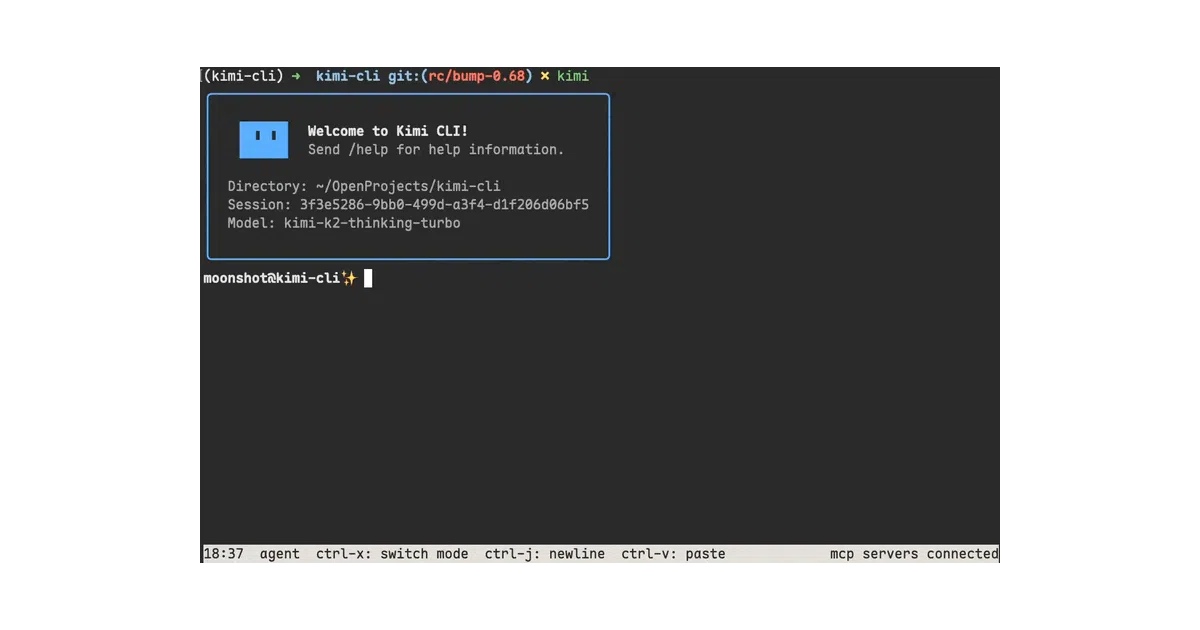
Kimi Code CLI is an AI agent that lives in your terminal and handles software development tasks by reading and editing code, executing shell commands, and searching the web. It can plan actions autonomously and adjust on the fly. The project is currently being wound down in favor of Kimi Code, a successor agent from the same team that will automatically migrate existing configurations and sessions.
The interesting bit
Rather than isolating itself, the tool acts as connective tissue between your shell and your IDE. It embeds a shell mode toggled with Ctrl-X, plugs into VS Code, Zed, and JetBrains via the Agent Client Protocol, and offers a Zsh plugin so your regular shell can summon it. That is a lot of integration surface area for a project that is already telling you to install its replacement.
Key highlights
- Terminal-native agent that edits code, runs shell commands, and fetches web pages autonomously.
- Built-in shell mode toggled with
Ctrl-Xfor running commands without leaving the agent (built-ins likecdare not yet supported). - Native ACP support for IDE integration with VS Code, Zed, and JetBrains.
- MCP (Model Context Protocol) server management via a dedicated
kimi mcpsub-command group and ad-hoc config files. - Zsh plugin that lets you switch between shell and agent mode with the same
Ctrl-Xshortcut.
Caveats
- The project is explicitly being wound down; the team recommends migrating to Kimi Code, which will inherit your sessions and config.
- Built-in shell commands such as
cdare not supported in shell mode yet.
Verdict
Worth a look if you are already running it or want to study how a terminal agent can bridge shells and editors via open protocols like ACP and MCP. Skip it if you are shopping for a long-term solution; the successor, Kimi Code, is where the active development is heading.
Frequently asked
- What is MoonshotAI/kimi-cli?
- A terminal-native agent that edits code, runs commands, and fetches web pages—now being wound down in favor of its successor.
- Is kimi-cli open source?
- Yes — MoonshotAI/kimi-cli is open source, released under the Apache-2.0 license.
- What language is kimi-cli written in?
- MoonshotAI/kimi-cli is primarily written in Python.
- How popular is kimi-cli?
- MoonshotAI/kimi-cli has 11.4k stars on GitHub.
- Where can I find kimi-cli?
- MoonshotAI/kimi-cli is on GitHub at https://github.com/MoonshotAI/kimi-cli.