Developing-Gamer/agent-sim
iOS app testing without a Mac, driven by your AI agent
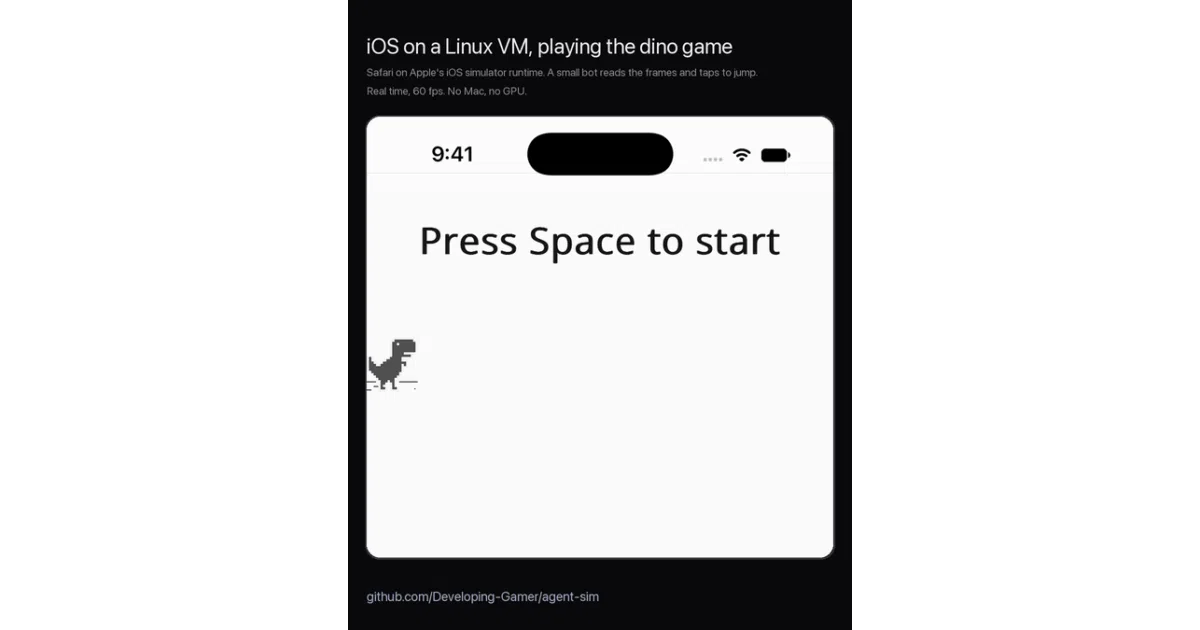
agent-sim wraps x86Sim's Linux iOS simulator with the tools agents need: install, tap, type, and read the screen as text.
Too new to rank. Velocity needs a few days of history.
not enough history yet
star history
What it does: It runs Apple’s iOS simulator on an ordinary x86-64 Linux VM, then exposes it to automation. Agents or scripts can install an .ipa, launch apps, tap elements, type text, scroll, and read the screen as a text snapshot of the accessibility tree, including system alerts and the home screen. There is a CLI for scripts and CI, an MCP server for Claude Code, Cursor and Codex, and a browser view that streams the screen as H.264 and forwards touches back.
The interesting bit: The whole stack is Apple’s own arm64 simulator runtime running on Linux: Darling supplies the macOS kernel interfaces, dynarmic translates the ARM code, and Mesa’s CPU Vulkan driver draws Metal through metal2vulkan. agent-sim is the agent-facing layer on top of x86Sim, including patches to x86Sim for Safari web workers and crash-reporter slowdowns, plus hooks inside the phone for the accessibility reader.
Key highlights
snapshotreturns the screen as text, one element per line, so agents reason about UI without vision- Actions answer with the resulting screen, so an agent sees each step’s outcome without a second call
- Phone pool with KSM memory sharing: three booted phones take 6.8 GB instead of 8.7 GB
- A high-fidelity device mode matches Apple’s simulator pixel for pixel for screenshots; the default trades effects for speed
- Scrolling at about 55 fps and touch latency around 14 ms on a Zen 5 VM, per the project’s benchmarks
Caveats
- Early status, with a known-issues list the project itself points to
- No XCUITest support yet, and real-device behavior (camera, push, signing, FairPlay) is out of scope
- App Store builds are FairPlay-encrypted and will not run; you need Ad Hoc, Development, Enterprise or simulator builds
Verdict: Teams doing agent-driven or scripted iOS UI checks on Linux hardware, especially in CI, get a lot here. If you need XCUITest suites or real-device behavior, this will not cover it yet.
Frequently asked
- What is Developing-Gamer/agent-sim?
- agent-sim wraps x86Sim's Linux iOS simulator with the tools agents need: install, tap, type, and read the screen as text.
- Is agent-sim open source?
- Yes — Developing-Gamer/agent-sim is open source, released under the Apache-2.0 license.
- What language is agent-sim written in?
- Developing-Gamer/agent-sim is primarily written in Rust.
- How popular is agent-sim?
- Developing-Gamer/agent-sim has 569 stars on GitHub.
- Where can I find agent-sim?
- Developing-Gamer/agent-sim is on GitHub at https://github.com/Developing-Gamer/agent-sim.