Blueturboguy07/cue
Open-source AI copilot hides from Zoom, mostly
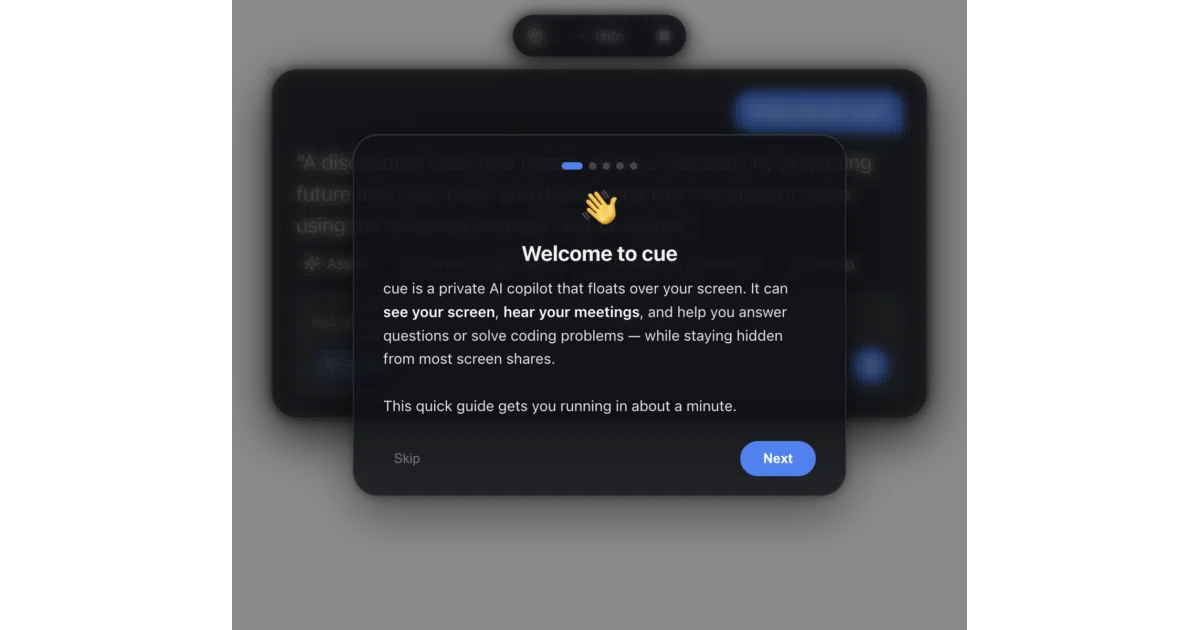
cue is an open-source, bring-your-own-key macOS copilot that watches your screen, listens to your meetings, and tries to stay hidden from screen-capture tools.
Not currently ranked — collecting fresh signals.
star history
What it does
cue is an Electron app that parks a transparent, always-on-top panel over your desktop. It captures your screen, microphone, and system meeting audio as three separate streams, then pipes them—on demand—to your own OpenAI, Anthropic, or Gemini key for real-time transcription and answers. The idea is to act as a live wingman for coding questions or awkward silences in meetings, without running a backend server.
The interesting bit
The project’s entire privacy model rests on a single macOS window flag, NSWindowSharingNone, which is the same mechanism Zoom uses to hide its own toolbar from recordings. cue leans on this to keep its glass UI out of screen shares, though the README is admirably upfront that this is best-effort: macOS 15.4+ capture tools can ignore the flag, and a phone camera always will.
Key highlights
- Bring-your-own-key only: no accounts, no telemetry, no server; API keys live in a local
cue-data.jsonfile. - Three-channel audio design: it keeps your mic input and meeting loopback audio separate so the LLM knows who said what.
- Triggered capture: screenshots and audio are sent to the provider only when you invoke a feature, not continuously.
- Built-in résumé field: you can paste your professional background so career-related answers are factored against your actual experience.
- GPL-3.0 and intentionally small: plain HTML/CSS/JS, no build step for hacking on it.
Caveats
- Invisibility is best-effort, not guaranteed; modern macOS capture APIs and physical cameras can still expose the window.
- The README carries a strong ethical disclaimer: using it during proctored exams, job interviews, or recorded meetings may violate platform rules and local consent laws.
- Anthropic keys cannot handle speech-to-text, so you will need a second provider if you want the listening features.
Verdict
Developers who want a hackable, offline-first-ish AI overlay for personal productivity or accessibility should look here; anyone seeking a guaranteed invisible cheating tool will be disappointed—and explicitly told to look elsewhere.
Frequently asked
- What is Blueturboguy07/cue?
- cue is an open-source, bring-your-own-key macOS copilot that watches your screen, listens to your meetings, and tries to stay hidden from screen-capture tools.
- Is cue open source?
- Yes — Blueturboguy07/cue is open source, released under the GPL-3.0 license.
- What language is cue written in?
- Blueturboguy07/cue is primarily written in JavaScript.
- How popular is cue?
- Blueturboguy07/cue has 1.4k stars on GitHub.
- Where can I find cue?
- Blueturboguy07/cue is on GitHub at https://github.com/Blueturboguy07/cue.