theJayTea/WritingTools
The Apple Intelligence writing suite that escaped the walled garden
WritingTools brings Apple Intelligence-style proofreading, rewriting, and summarization to Windows, Linux, and macOS using your choice of cloud or local LLMs.
Velocity · 7d
+0.1
★ / day
Trend
↘cooling
star history
What it does
Select text in any application, hit a hotkey, and the tool swaps it for an AI-edited version—proofread, rewritten, summarized, or reshaped by a custom prompt. Invoke it without selecting text and you get a quick LLM chat that forgets everything when you close the window. It also ingests YouTube transcripts and web pages for on-the-fly summaries.
The interesting bit
A high schooler in Bangalore built the original Windows and Linux version; a separate contributor crafted the macOS port in native Swift. That Mac version is the polished sibling: it preserves RTF formatting during proofreading, runs local MLX models on Apple Silicon for fully offline inference, and packs a command editor for reusable custom actions. The Windows and Linux builds are portable tray utilities that lean on the same LLM backends without the native frills.
Key highlights
- BYO intelligence: plug in the free Gemini API, OpenAI-compatible cloud providers, or local engines like Ollama, llama.cpp, and MLX.
- Privacy-first design: API keys and configs never leave your machine, and the chat window wipes its history on exit.
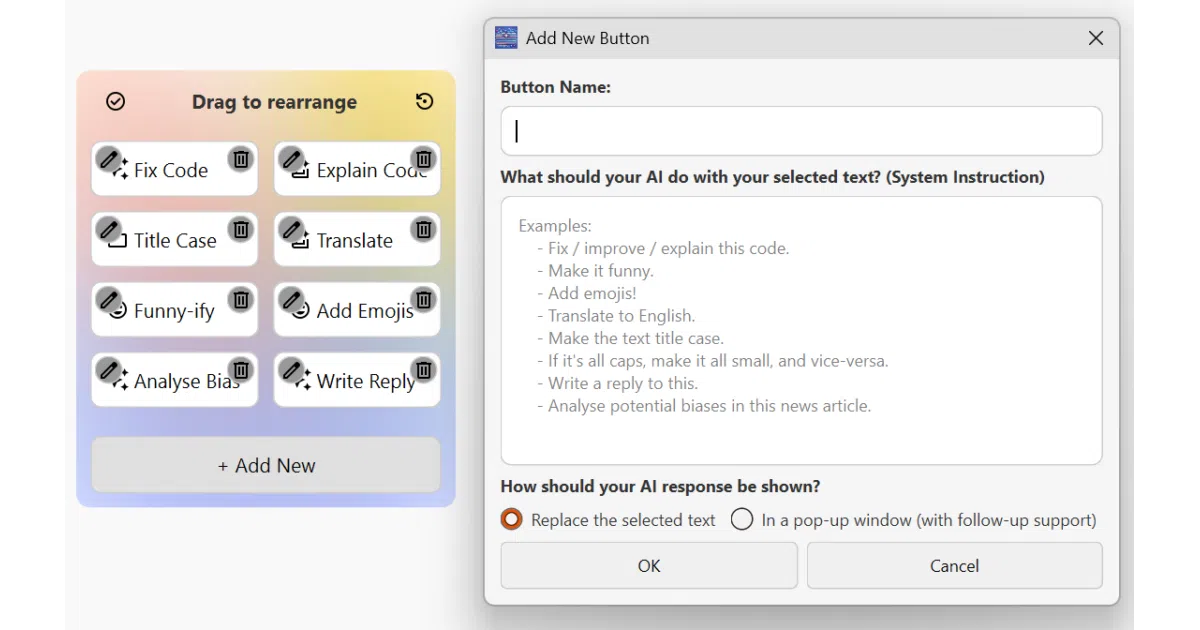
- Custom buttons turn repetitive prompts into one-click system-wide actions.
- Cross-platform scope covers Windows, Linux (x11 best), and macOS 14+.
- Multilingual support on macOS (UI in EN/DE/FR/ES) with claims of broad language handling for commands.
Caveats
- Linux remains work-in-progress, and Wayland support is patchy—expect to wrestle with XWayland or Flatpak permissions.
- Rich-text formatting in Microsoft Word gets stripped, and the default hotkey collides with Word’s “Clear Formatting” shortcut.
- macOS demands Accessibility permissions across the board, plus Screen Recording for certain apps that gate text access.
Verdict
Worth a look if you want subscription-free, system-wide writing assistance with your own API keys or local models. Pass if you live in Wayland-only Linux or need flawless rich-text preservation across every app.
Frequently asked
- What is theJayTea/WritingTools?
- WritingTools brings Apple Intelligence-style proofreading, rewriting, and summarization to Windows, Linux, and macOS using your choice of cloud or local LLMs.
- Is WritingTools open source?
- Yes — theJayTea/WritingTools is open source, released under the GPL-3.0 license.
- What language is WritingTools written in?
- theJayTea/WritingTools is primarily written in Swift.
- How popular is WritingTools?
- theJayTea/WritingTools has 2.5k stars on GitHub and is currently cooling off.
- Where can I find WritingTools?
- theJayTea/WritingTools is on GitHub at https://github.com/theJayTea/WritingTools.