plasma-umass/ChatDBG
Ask your debugger 'why' and it actually answers
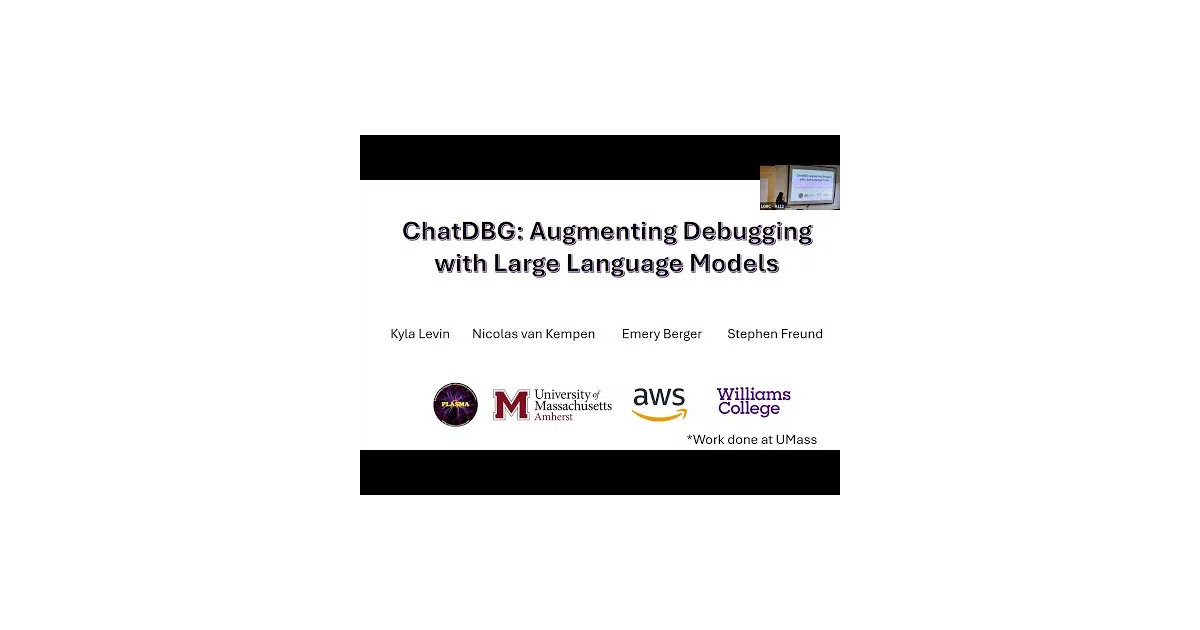
ChatDBG wires an LLM into pdb, lldb, and gdb so you can interrogate your program after a crash instead of manually stepping through stack traces.
Not currently ranked — collecting fresh signals.
star history
What it does
ChatDBG wraps the standard Python, LLDB, and GDB debuggers with an OpenAI-powered assistant. When your C, C++, Python, or Rust program crashes, you type why at the debugger prompt. The tool feeds the stack trace and program state to GPT-4, then returns a root-cause analysis and a suggested fix. It can also answer follow-up questions and steer the debugger to gather more context.
The interesting bit The authors claim this is the first debugger to perform automatic root-cause analysis and suggest fixes. The integration is tighter than a side-chat window: the LLM can actually drive the debugger, running commands to inspect memory or variables to answer your question.
Key highlights
- Supports
pdb(Python),lldb, andgdb(C/C++/Rust) with feature parity; other debuggers are being backported - Works in post-mortem mode on core dumps, not just live crashes
- Includes Jupyter/IPython integration via
%pdbmagic and the ipyflow kernel - Rust support via a
#[chatdbg::main]attribute andpanic = "abort"configuration - Published as an FSE'25 paper with a full evaluation
Caveats
- Requires a paid OpenAI API key with a positive balance; GPT-4 access costs money per debugging session
- Native debugger setup is finicky: GDB needs Python 3.9+ support compiled in, and LLDB on Linux may require upgrading to LLVM 18
- The
whycommand can fail silently if the extension didn’t load properly (the README includes a troubleshooting section for this)
Verdict Worth trying if you debug native crashes regularly and don’t mind paying OpenAI per incident. Skip it if you need offline-only tooling or if your GDB build lacks Python scripting support.
Frequently asked
- What is plasma-umass/ChatDBG?
- ChatDBG wires an LLM into pdb, lldb, and gdb so you can interrogate your program after a crash instead of manually stepping through stack traces.
- Is ChatDBG open source?
- Yes — plasma-umass/ChatDBG is open source, released under the Apache-2.0 license.
- What language is ChatDBG written in?
- plasma-umass/ChatDBG is primarily written in Python.
- How popular is ChatDBG?
- plasma-umass/ChatDBG has 1.1k stars on GitHub.
- Where can I find ChatDBG?
- plasma-umass/ChatDBG is on GitHub at https://github.com/plasma-umass/ChatDBG.