obiscr/ChatGPT
ChatGPT inside your JetBrains IDE, with context-aware tricks
A plugin that wires ChatGPT into IntelliJ and friends, adding diff mode, error fixes, and codebase-aware prompts without leaving the editor.
Not currently ranked — collecting fresh signals.
star history
What it does
This is a JetBrains IDE plugin that embeds ChatGPT directly into IntelliJ IDEA, PyCharm, and the rest of the family. You can chat, ask questions about your codebase, and get AI-generated fixes without switching windows or losing your flow.
The interesting bit
The plugin treats the IDE as a first-class citizen rather than a dumb host. Alt-D toggles diff mode so you can review AI edits side-by-side; Alt-Enter surfaces quick-fixes for errors inline; and typing @ lets you pull specific files into the conversation context. It is the small integration details that make the difference between “ChatGPT in a panel” and “actually useful.”
Key highlights
- Diff mode (Alt-D) for reviewing AI-generated code changes directly in the editor
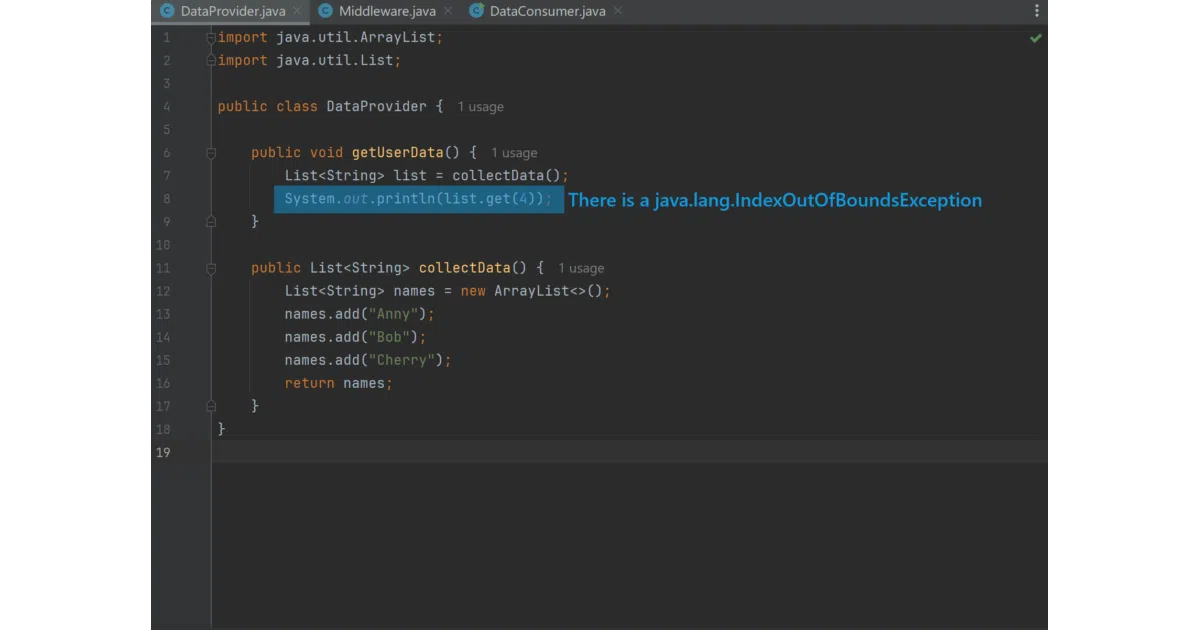
- Quick-fix errors with Alt-Enter, including runtime exception explanations
- Codebase-aware queries that understand your project structure
@mentions to include specific files in the prompt context- Installable from the JetBrains Marketplace; GPL v2 licensed with an unusual non-compete clause
Caveats
- The README is thin on technical architecture and API details; it is unclear whether this calls OpenAI directly or proxies through a custom backend
- The license adds a specific restriction against using the code to build competing JetBrains Marketplace plugins, which may affect forks
- Not an official OpenAI product; the author explicitly disclaims responsibility for any damage
Verdict
Worth a look if you live in JetBrains IDEs and want tighter ChatGPT integration than a browser tab. Skip it if you need transparency about how your code is sent to the model, or if the license restrictions make you nervous.
Frequently asked
- What is obiscr/ChatGPT?
- A plugin that wires ChatGPT into IntelliJ and friends, adding diff mode, error fixes, and codebase-aware prompts without leaving the editor.
- Is ChatGPT open source?
- Yes — obiscr/ChatGPT is an open-source project tracked on heatdrop.
- What language is ChatGPT written in?
- obiscr/ChatGPT is primarily written in Java.
- How popular is ChatGPT?
- obiscr/ChatGPT has 1.1k stars on GitHub.
- Where can I find ChatGPT?
- obiscr/ChatGPT is on GitHub at https://github.com/obiscr/ChatGPT.