nicobailon/visual-explainer
Rescue Your Terminal From Agent-Generated ASCII Art
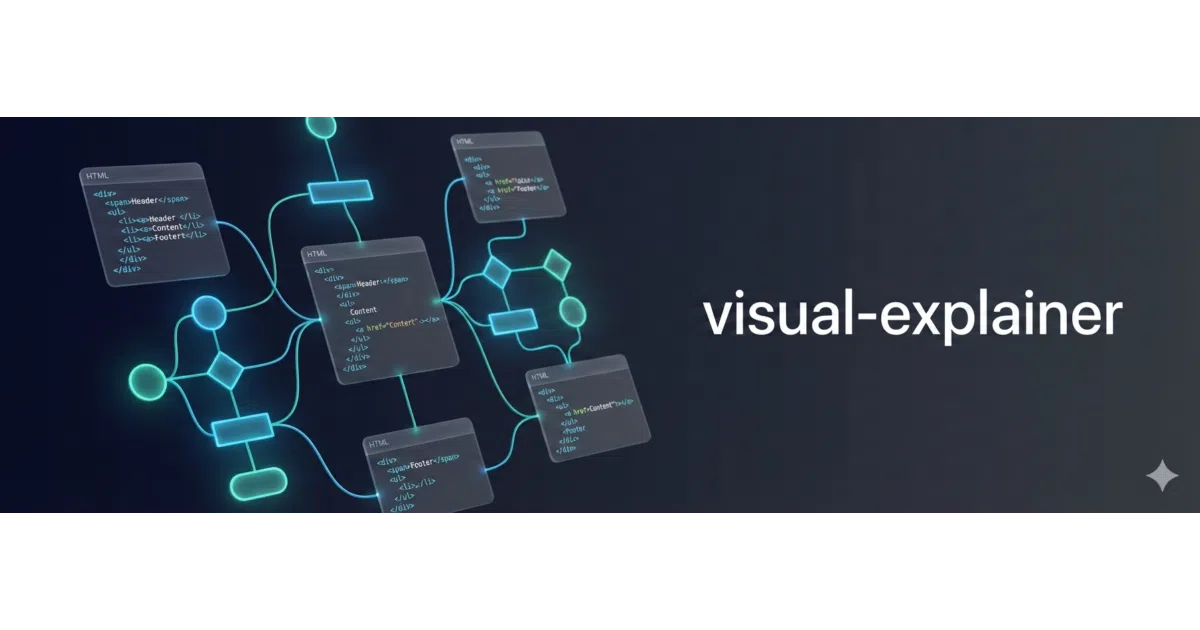
An agent skill that replaces unreadable terminal ASCII diagrams and tables with self-contained, themed HTML pages opened straight in your browser.
Velocity · 7d
+24
★ / day
Trend
↗accelerating
star history
What it does
visual-explainer is a skill plugin for coding agents—Claude Code, Pi, Codex CLI, and others—that intercepts requests for diagrams, diff reviews, plan comparisons, and data tables. Instead of letting the agent vomit box-drawing characters and misaligned monospace tables into your terminal, it generates a self-contained HTML file and opens it in your browser. The output lives in ~/.agent/diagrams/ and requires no build step or external dependencies beyond a browser.
The interesting bit
The skill auto-detects when the agent is about to render a complex table—four or more rows, three or more columns—and silently upgrades it to HTML. It also routes visual tasks intelligently: Mermaid for flowcharts, CSS Grid for architecture overviews, Chart.js for dashboards, and a dedicated slide-deck engine when you append --slides. It is essentially a set of prompt templates, reference patterns, and HTML templates that teach the agent to stop drawing in Notepad.
Key highlights
- Self-contained HTML output with dark/light themes and interactive Mermaid diagrams (zoom/pan).
- Slash commands for diff reviews, plan audits, project recaps, fact-checking, and slide decks.
- Auto-escalation from terminal tables to HTML when data gets too wide to wrap gracefully.
- Supports six agent harnesses, though integration depth varies from native marketplace plugins (Claude Code) to rules-based guidance (Cursor, OpenClaw).
- Optional one-click sharing to Vercel via a companion script, though this currently expects a Pi-specific deploy skill.
Caveats
- Auto-opening the browser depends on the agent harness, sandbox rules, and OS access; it is not guaranteed.
- The Vercel sharing command assumes a separate
vercel-deployskill is installed in a standard Pi location, so other harnesses may need manual setup for that feature. - Mermaid SVGs do not respect live OS theme changes without a page refresh.
- Output quality varies with the underlying model’s capability.
Verdict Worth installing if you spend your days asking agents to explain architecture or compare plans and you are tired of squinting at ASCII arrows. If you only ever run quick one-liners in a headless remote shell, it adds little.
Frequently asked
- What is nicobailon/visual-explainer?
- An agent skill that replaces unreadable terminal ASCII diagrams and tables with self-contained, themed HTML pages opened straight in your browser.
- Is visual-explainer open source?
- Yes — nicobailon/visual-explainer is open source, released under the MIT license.
- What language is visual-explainer written in?
- nicobailon/visual-explainer is primarily written in JavaScript.
- How popular is visual-explainer?
- nicobailon/visual-explainer has 10.6k stars on GitHub and is currently accelerating.
- Where can I find visual-explainer?
- nicobailon/visual-explainer is on GitHub at https://github.com/nicobailon/visual-explainer.