mito-ds/mito
Excel habits die hard in Jupyter notebooks
Mito bridges spreadsheet UI and Python code generation for data scientists who want both.
Not currently ranked — collecting fresh signals.
star history
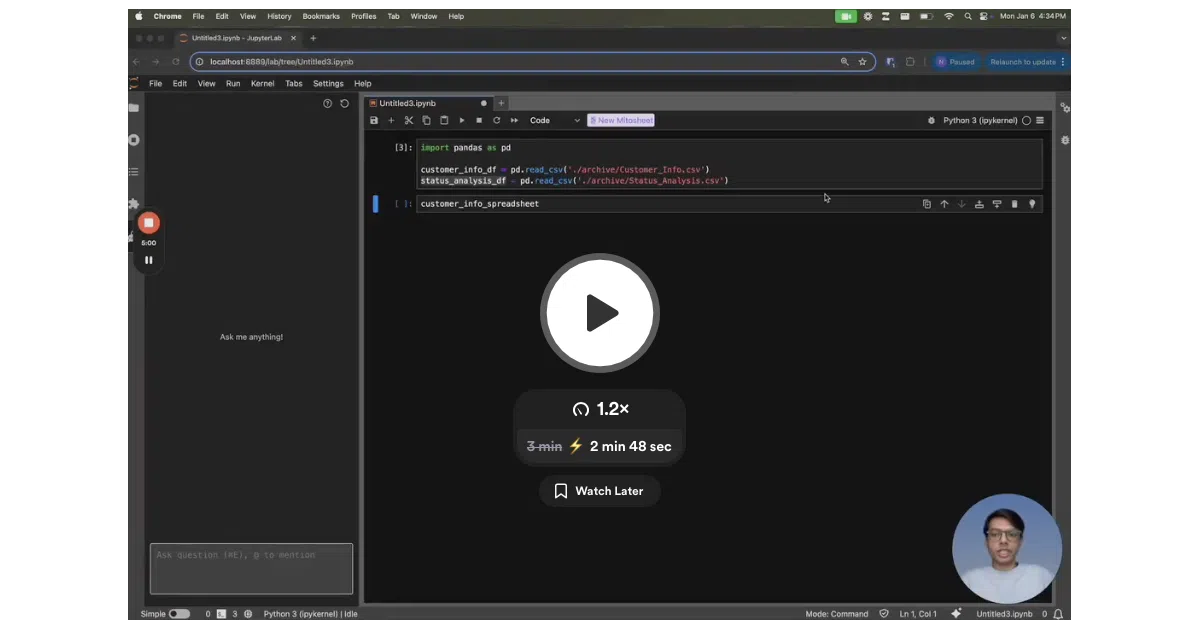
What it does Mito is a set of JupyterLab extensions that layers a spreadsheet interface and AI chat directly onto your notebook. You can filter data, build pivot tables, write VLOOKUP-style formulas, or ask an LLM to debug errors — and every spreadsheet edit gets translated into pandas Python code in the cell below.
The interesting bit The spreadsheet-to-code pipeline is the hook: it targets the large cohort of analysts who think in Excel but need to produce reproducible Python. The AI chat is context-aware, meaning it reads your notebook state rather than forcing you to paste data into a browser tab.
Key highlights
- Interactive spreadsheet inside JupyterLab 4.0 with automatic Python code generation
- Context-aware AI chat and error debugging without leaving the notebook
- Two-line integration for Streamlit and Dash dashboards
- Open core model: free to use, with a paid Pro tier funding development
- ~2,600 GitHub stars and active CI pipelines for both deployment and AI testing
Caveats
- The README is vague on whether the AI features require bringing your own API keys or if Mito provides them
- “Production-ready Python code” is a claim; the actual code quality depends on the complexity of your spreadsheet operations
Verdict Worth a look if you split time between Excel and Python, or need to hand spreadsheet-trained colleagues a gentle on-ramp to pandas. Pure CLI purists and heavy Dask/Spark users can probably skip it.
Frequently asked
- What is mito-ds/mito?
- Mito bridges spreadsheet UI and Python code generation for data scientists who want both.
- Is mito open source?
- Yes — mito-ds/mito is an open-source project tracked on heatdrop.
- What language is mito written in?
- mito-ds/mito is primarily written in Jupyter Notebook.
- How popular is mito?
- mito-ds/mito has 2.7k stars on GitHub.
- Where can I find mito?
- mito-ds/mito is on GitHub at https://github.com/mito-ds/mito.