microsoft/Codex-CLI
Microsoft's shell translator: type English, get Bash
A Microsoft research project that lets you write plain English in your terminal and hit Ctrl+G for a shell-native command suggestion.
Not currently ranked — collecting fresh signals.
star history
What it does
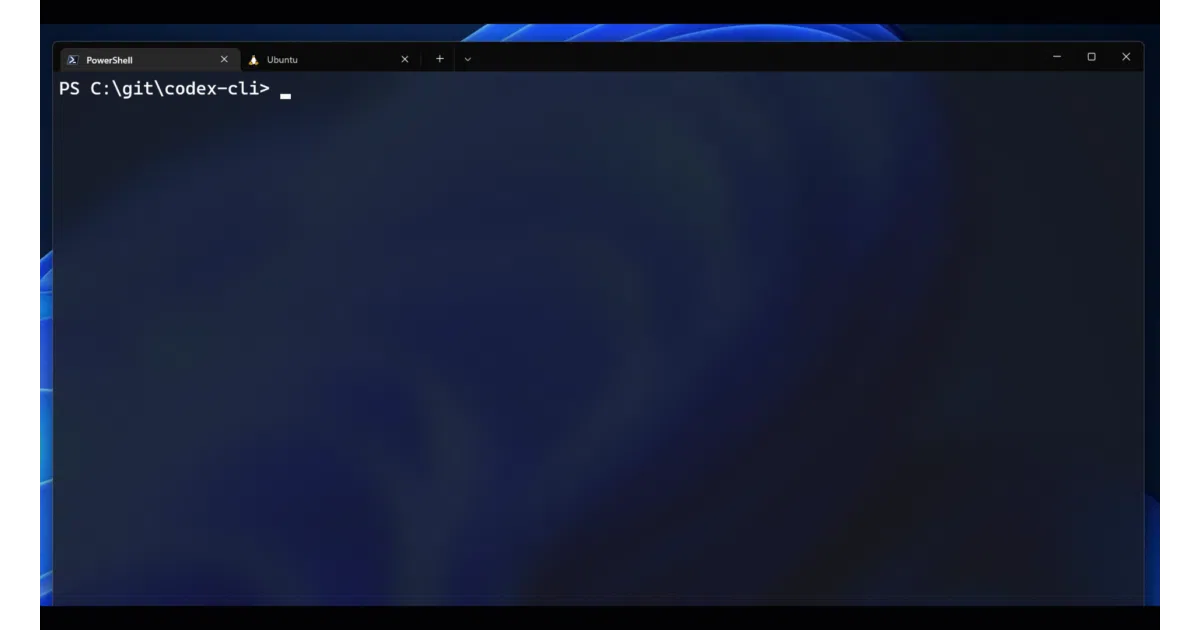
Codex-CLI is a Python tool that hooks into PowerShell, Bash, or Zsh. You type a comment like # what's my IP address, press Ctrl + G, and GPT-3 Codex suggests a command idiomatic to whatever shell you’re running. It then feeds that command back into your terminal for execution or cancellation.
The interesting bit
The whole trick is prompt engineering, not fine-tuning. The tool ships with context files full of example NL→command pairs for each shell, then appends your request as a comment and asks Codex to complete the code. Multi-turn mode even maintains a current_context.txt so you can say “change it back” and the model knows what “it” refers to.
Key highlights
- Supports Bash, Zsh, and PowerShell with shell-specific idioms
- Multi-turn mode for contextual follow-ups (toggle with
# start multi-turn) - Custom contexts: drop example files in a
contexts/folder to teach Codex your own tools (e.g., kubectl) - Adjustable model parameters (engine, temperature, max_tokens) via inline commands
- Built as a Microsoft Build 2022 demo, not a shipping product
Caveats
- Requires an OpenAI API key with Codex engine access; Azure support is “coming months” away per the README
- Explicitly not a released product—no feature requests, no support
- The README warns that bad multi-turn context can poison subsequent outputs, and the model “can still make mistakes”
Verdict Worth a spin if you’re exploring LLM-to-shell interfaces or building your own Copilot-style tooling. Skip it if you need something production-ready or don’t have Codex API access.
Frequently asked
- What is microsoft/Codex-CLI?
- A Microsoft research project that lets you write plain English in your terminal and hit Ctrl+G for a shell-native command suggestion.
- Is Codex-CLI open source?
- Yes — microsoft/Codex-CLI is open source, released under the MIT license.
- What language is Codex-CLI written in?
- microsoft/Codex-CLI is primarily written in Python.
- How popular is Codex-CLI?
- microsoft/Codex-CLI has 2.4k stars on GitHub.
- Where can I find Codex-CLI?
- microsoft/Codex-CLI is on GitHub at https://github.com/microsoft/Codex-CLI.