luoluoluo22/jianying-editor-skill
Automating JianYing without an API, using AI agents and hope
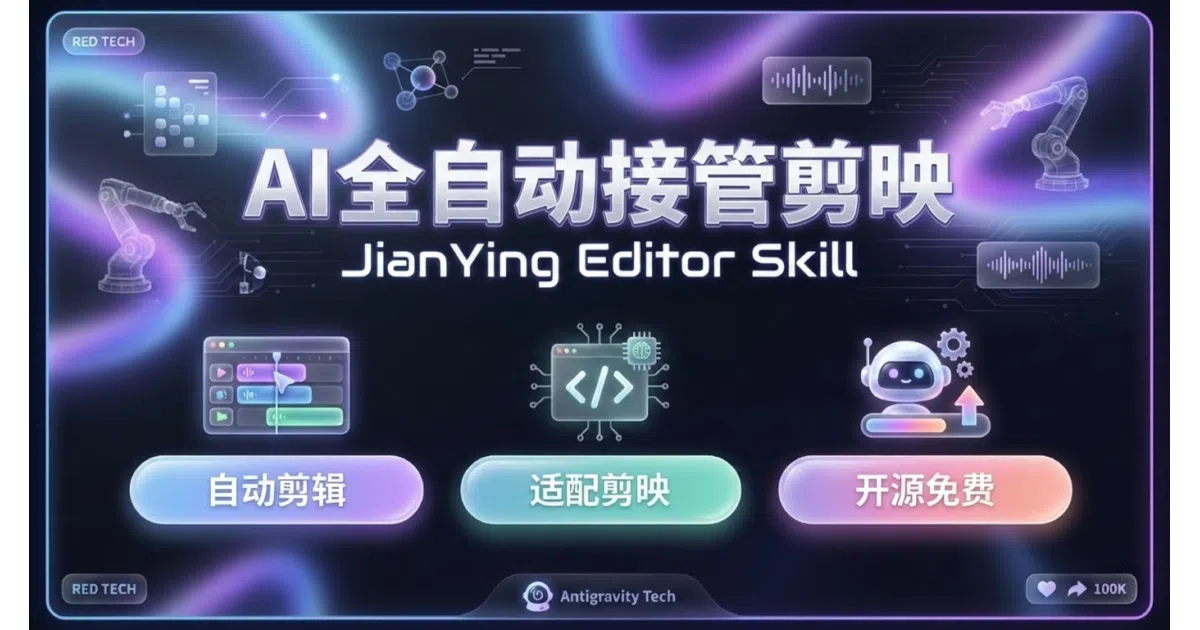
Because JianYing has no public API, this skill lets AI agents automate it by editing draft JSON and simulating UI clicks.
Velocity · 7d
+24
★ / day
Trend
↘cooling
star history
What it does
This is a Python-based “skill” for AI coding agents such as Cursor, Claude Code, Trae, and Antigravity. You describe a video in natural language—say, a travel vlog with voiceover and subtitles—and the agent builds a complete JianYing (CapCut’s Chinese pro edition) timeline for you. It handles media imports, AI-generated voiceovers, subtitle alignment, music, transitions, keyframes, and even screen recordings with auto-zoom. The catch is that it does not render anything itself; it merely constructs JianYing’s proprietary draft files and, for export, literally moves your mouse and keyboard to click the export button.
The interesting bit
The project treats JianYing like a black-box GUI that lacks an API, so it constructs draft JSON files directly and falls back to OS-level mouse-and-keyboard automation for exports. The standout trick is semantic footage matching: the AI reads your script, listens to the voiceover, and tries to pick the clip from your素材 folder that best matches the current line—so a mention of “juicy” might land on a close-up of dripping oil. It also ships a web-to-video pipeline that uses Playwright to record HTML/Canvas animations and drop them onto the timeline.
Key highlights
- Natural-language control: tell the agent “make a 60-second film commentary” and it generates a script, voiceover, and rough cut.
- Semantic素材 matching: attempts to align video clips with narration meaning using audio, subtitle, and visual analysis.
- Web-to-video: renders HTML/JS/Canvas animations in a headless browser and imports the recording as a video layer.
- Smart Zoom for screen recordings: auto-pans and highlights mouse clicks with red circles to turn raw captures into tutorial footage.
- Compound clips and multi-track support: nests sub-projects and stacks video, audio, subtitles, and effects.
Caveats
- Export automation is brittle: it only works on JianYing 5.9 or older because newer versions throw too many popups for the mouse-script to handle.
- Real-time GPU features—smart cutout, beauty filters, and JianYing’s own AI tools—are off-limits because they cannot be triggered through draft files or UI automation.
- Desktop only: Windows and Mac JianYing Pro; mobile is unsupported, and you will need to restart JianYing to see newly generated drafts.
Verdict
Content creators and developers who already live inside JianYing Pro and want to batch-produce short-form videos with AI assistance should take a look. If you are not using JianYing, or if you need reliable headless rendering, this is the wrong tool entirely.
Frequently asked
- What is luoluoluo22/jianying-editor-skill?
- Because JianYing has no public API, this skill lets AI agents automate it by editing draft JSON and simulating UI clicks.
- Is jianying-editor-skill open source?
- Yes — luoluoluo22/jianying-editor-skill is an open-source project tracked on heatdrop.
- What language is jianying-editor-skill written in?
- luoluoluo22/jianying-editor-skill is primarily written in Python.
- How popular is jianying-editor-skill?
- luoluoluo22/jianying-editor-skill has 4.4k stars on GitHub and is currently cooling off.
- Where can I find jianying-editor-skill?
- luoluoluo22/jianying-editor-skill is on GitHub at https://github.com/luoluoluo22/jianying-editor-skill.