holaboss-ai/holaOS
An OS that actually remembers your standup updates
A local-first desktop agent that ingests your Slack, Jira, and GitHub, then compresses the mess into queryable memory you can edit.
Not currently ranked — collecting fresh signals.
star history
What it does
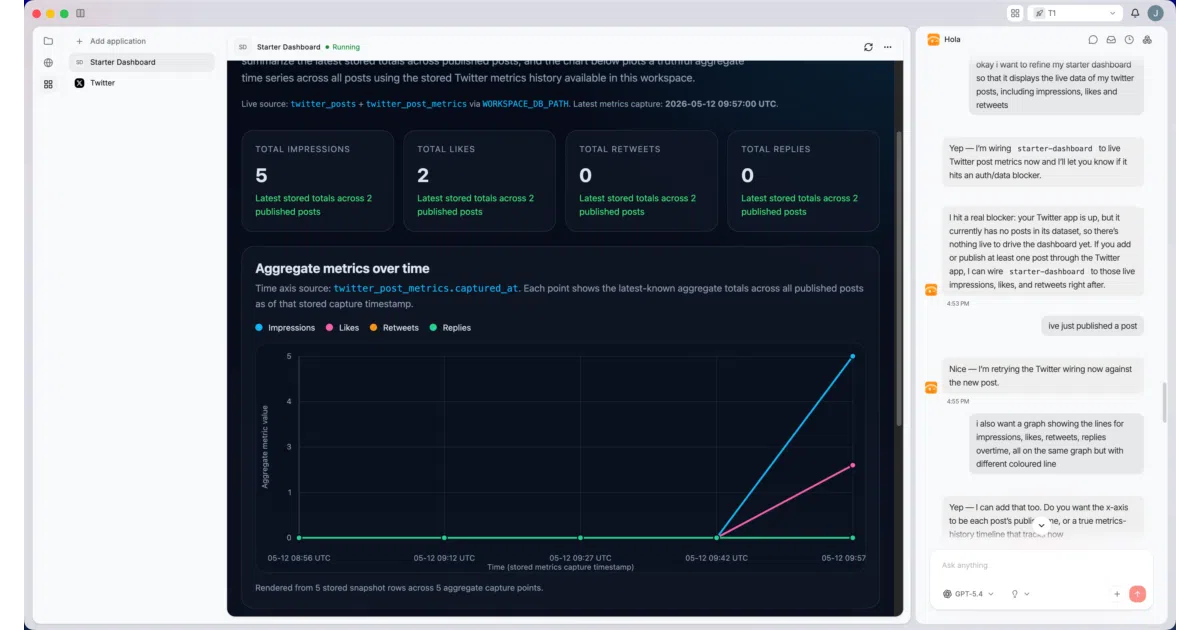
HolaOS is an Electron desktop app that runs a local-first AI agent connected to your work tools — Gmail, Slack, Linear, GitHub, Jira, HubSpot, and others via one-click OAuth. It auto-fetches activity, compresses it into Markdown-based memory stored locally with SQLite vec embeddings, and retrieves context through RAG so the agent doesn’t start from zero each session. You chat with it through a GUI, manage files in a visible workspace, and can inspect or edit what it remembers.
The interesting bit
The session compression is the part that isn’t just marketing. HolaOS keeps ~70% of the model context window free for fresh reasoning, preserves the active working set verbatim, and folds older history into structured checkpoints — goals, constraints, decisions, next steps — that only merge back if the live session still matches. It’s an explicit attempt to solve the slow drift into bloated, expensive long-running agent sessions.
Key highlights
- Local-first memory: Markdown files + SQLite vec embeddings, browsable and editable by you, not locked in a cloud black box
- 100+ integrations: One-click OAuth to workplace tools; auto-fetches signals every 30 minutes (per the comparison table)
- Session context compression: Structured checkpoints with safe compaction to preserve continuity without token bloat
- Subagent orchestration: Hidden parallel subagents coordinate through a single user-facing manager
- One-account model access: Uses “leading SOTA models” without managing separate API keys (specific providers not named in README)
Caveats
- macOS only for now; Windows and Linux are “in progress” per the platform badge
- The “1000+ integrations” claim in the comparison table conflicts with “100+ Integration” in the feature list — the README is inconsistent on scale
- “Modified Apache 2.0” license; the modification terms are not specified in the README
Verdict
Worth a look if you’re tired of re-explaining project context to AI assistants every morning. Skip it if you need cross-platform support today or want a headless/terminal-first workflow — this is deliberately a GUI-centric, desktop-only experience.
Frequently asked
- What is holaboss-ai/holaOS?
- A local-first desktop agent that ingests your Slack, Jira, and GitHub, then compresses the mess into queryable memory you can edit.
- Is holaOS open source?
- Yes — holaboss-ai/holaOS is an open-source project tracked on heatdrop.
- What language is holaOS written in?
- holaboss-ai/holaOS is primarily written in TypeScript.
- How popular is holaOS?
- holaboss-ai/holaOS has 11.4k stars on GitHub.
- Where can I find holaOS?
- holaboss-ai/holaOS is on GitHub at https://github.com/holaboss-ai/holaOS.