franzenzenhofer/big-arrow-on-the-screen
Your AI agent finally gets a finger
A tiny Swift CLI that lets Claude Code or Codex draw arrows, boxes and signs on your Mac screen to point at the one button only a human may click.
Collecting fresh signals — velocity needs a few days of history.
collecting data…
star history
What it does
bigarrow is a macOS command-line tool (plus a skill for Claude Code and Codex) that draws an arrow, ring, box or text sign on a transparent window above everything else. It targets UI elements by label, coordinates, window or even a specific Chrome/Safari tab, and it raises the target app first — pointing at a window hidden behind your terminal is, as the README puts it, a special kind of unhelpful. It never clicks, types or captures anything; it only points, deliberately.
The interesting bit
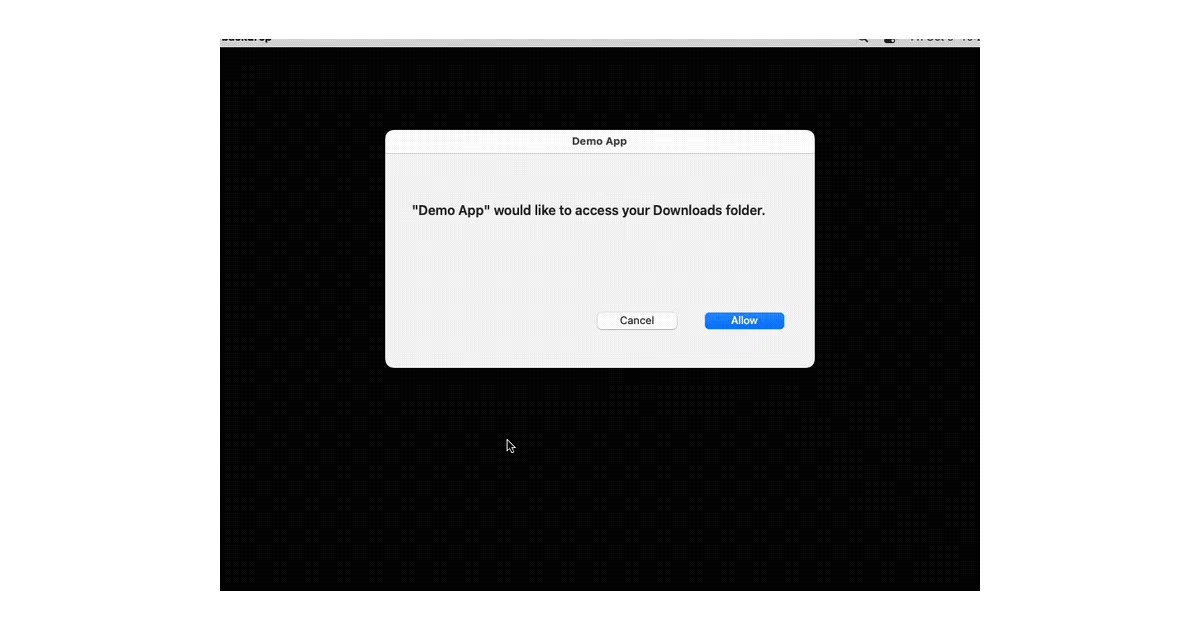
The boring part is where the value is: every arrow cleans itself up. Time limits by default, stop commands, arrows that die with the agent process that drew them, and a hook that clears them when you submit your next prompt. No orphaned arrows from an agent that wandered off. Also notable: drawing needs no macOS permission at all, and clicks pass straight through the overlay.
Key highlights
- One pure-Swift binary: no daemon, no menu-bar icon, no account, no telemetry — and, they checked twice, no AI inside
- Targets by element label (
--element "Allow" --app "System Settings"), coordinates, rect, mouse, window or tab title {{value}}in a sign becomes a copy button — paste a PIN or URL the agent hands you--sayreads the sign aloud, so your Mac calls you back from coffee;--pngrenders for docs and demos- Zigzag and spiral shapes for escalating urgency; structured
--jsonoutput and exit codes agents can reason about
Caveats
- macOS 14+ only, and the element-targeting leans on Accessibility APIs —
bigarrow doctorexists to check that, which hints at where it can break - The README is unusually honest, but the “no permission at all” claim covers drawing only; finding elements still depends on Accessibility access elsewhere
Verdict
If you run agents that do real work on your Mac and periodically need a human for Allow dialogs, 2FA or “no, the other grid icon,” this is a genuinely useful missing limb. If you’re not on macOS or your agents never hand off to you, it’s an arrow in search of a target.
Frequently asked
- What is franzenzenhofer/big-arrow-on-the-screen?
- A tiny Swift CLI that lets Claude Code or Codex draw arrows, boxes and signs on your Mac screen to point at the one button only a human may click.
- Is big-arrow-on-the-screen open source?
- Yes — franzenzenhofer/big-arrow-on-the-screen is open source, released under the MIT license.
- What language is big-arrow-on-the-screen written in?
- franzenzenhofer/big-arrow-on-the-screen is primarily written in Swift.
- How popular is big-arrow-on-the-screen?
- franzenzenhofer/big-arrow-on-the-screen has 590 stars on GitHub.
- Where can I find big-arrow-on-the-screen?
- franzenzenhofer/big-arrow-on-the-screen is on GitHub at https://github.com/franzenzenhofer/big-arrow-on-the-screen.