ahmedkhaleel2004/gitdiagram
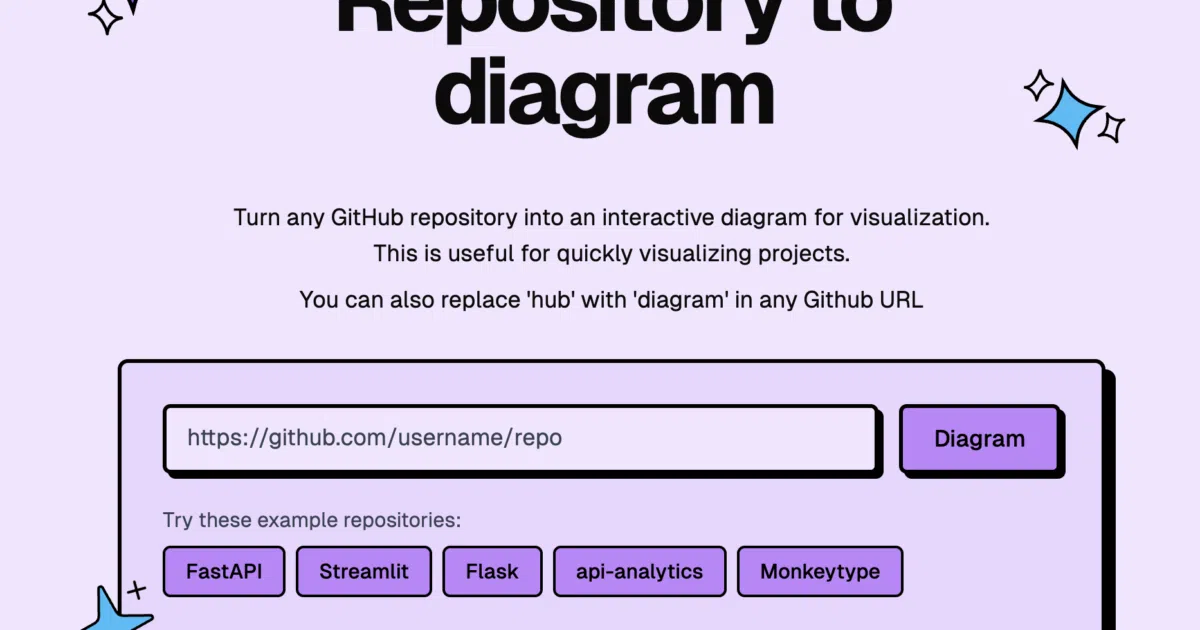
Swap 'hub' for 'diagram' to visualize any repo
Built so the author could stop manually spelunking through massive open-source codebases just to find an entry point.
Velocity · 7d
+24
★ / day
Trend
↘cooling
star history
What it does
GitDiagram ingests a GitHub repository—public or private via a personal access token—fetches its file tree and README, filters out noise like dependency folders, and feeds the snapshot to a two-pass GPT-5-family pipeline. The first pass writes a plain-English architecture summary; the second converts that into a structured graph of systems, nodes, and edges tied to real file paths. The result is rendered as an interactive Mermaid diagram where clicking a node jumps straight to the corresponding source file on GitHub. You can also export the raw Mermaid code or a PNG.
The interesting bit
The generation loop is deliberately paranoid: the AI’s graph is validated against the actual file tree, retried with feedback if paths are bogus, and the resulting Mermaid is validated again before it reaches your eyes. The production stack even runs a mixed Python-and-Bun backend on Railway just to keep Mermaid validation consistent between the FastAPI service and the in-process Next.js route handlers.
Key highlights
- URL hack: replace
hubwithdiagramin any GitHub URL to jump straight to its diagram. - Supports private repositories via GitHub PAT with
reposcope. - Two backend options: a long-lived FastAPI service on Railway, or built-in Next.js Route Handlers for simpler self-hosting.
- Artifacts land in Cloudflare R2; daily quota and terminal failure states live in Upstash Redis.
- Default model is OpenAI’s
gpt-5.4-mini, with OpenRouter as an optional self-hosted alternative.
Caveats
- The AI sometimes hallucinates bad paths or invalid connections, triggering retry loops before a diagram is shown.
- Terminal failures with no saved artifact do happen and are logged to Redis.
- Free usage is gated by a complimentary daily quota.
Verdict
Worth a look if you onboard into unfamiliar repos or need to present architecture without hand-drawing boxes. Skip it if you already live in your IDE and trust nothing generated by LLMs.
Frequently asked
- What is ahmedkhaleel2004/gitdiagram?
- Built so the author could stop manually spelunking through massive open-source codebases just to find an entry point.
- Is gitdiagram open source?
- Yes — ahmedkhaleel2004/gitdiagram is open source, released under the MIT license.
- What language is gitdiagram written in?
- ahmedkhaleel2004/gitdiagram is primarily written in TypeScript.
- How popular is gitdiagram?
- ahmedkhaleel2004/gitdiagram has 18.5k stars on GitHub and is currently cooling off.
- Where can I find gitdiagram?
- ahmedkhaleel2004/gitdiagram is on GitHub at https://github.com/ahmedkhaleel2004/gitdiagram.