Unclecheng-li/AI_Animation
HTML Animation Prompts for Agents That Hate PowerPoint
A prompt cookbook that teaches AI agents to generate self-contained HTML animations—slides, flowcharts, network diagrams, and 3D cards—without a presentation app.
Velocity · 7d
+10
★ / day
Trend
→steady
star history
What it does
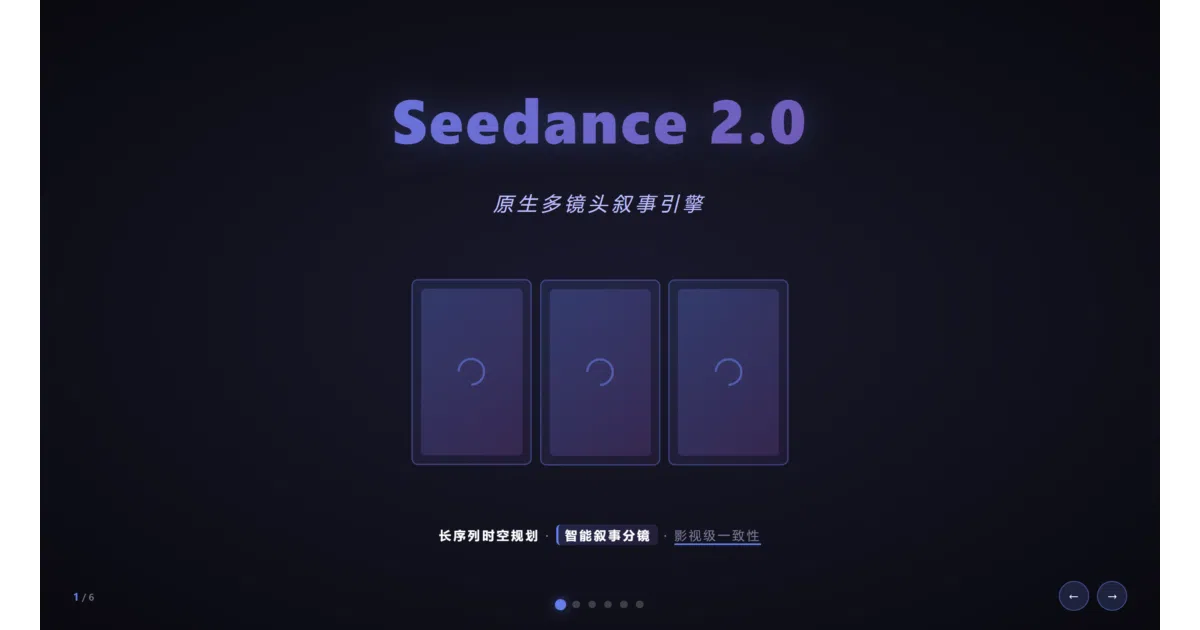
The repo is a set of six “Skills”—self-contained prompt folders built for AI agents like Claude Code, Cursor, and WorkBuddy. Each Skill contains a SKILL.md instruction file, human-readable docs, reference prompts, and template HTML. Feed the agent a description and it activates the matching Skill, emitting a single-file HTML page with baked-in animations. The output ranges from PPT-style slide decks and dark-tech flowcharts to network-protocol visualizations and handwritten notebook pages.
The interesting bit
Instead of treating AI as a chatbot that answers questions, the project treats it as a runtime that executes structured prompt programs. The SKILL.md files act like manifests: they tell the agent exactly which CSS animations, color palettes, and interaction modes to apply, effectively turning a vague request into a reproducible frontend build pipeline.
Key highlights
- Six distinct animation domains: PPT presentations, flowcharts, network protocols, dynamic architecture diagrams, scholar-style notes, and 3D card theaters.
- PPT skill ships five built-in themes—dark-tech, warm-paper, clean-white, cyber-red, and gradient-dark—with 16:9 fullscreen playback and keyboard/scroll/click navigation.
- Flowchart skill covers seven chart types including RNN, LSTM, and GPU visualizations, with animated connections, data particles, and three interaction modes.
- Network-protocol skill visualizes TCP/IP, IPv4, Ethernet, routing, DHCP, and HTTPS using color-coded layers, packet glow trails, and play/pause/reset controls.
- Every output is a standalone single-file HTML page; no external build step or image dependencies for core graphics.
Caveats
- A stray
<!-- TODO: 补充预览图 -->comment still sits above the card-theater gallery entry, suggesting the README needs one last polish pass.
Verdict
Grab this if you want your AI agent to generate presentation-ready HTML animations without wrestling with CSS keyframes yourself. Skip it if you are hunting for a hand-coded animation library—the value is entirely in the prompt architecture, not in reusable runtime code.
Frequently asked
- What is Unclecheng-li/AI_Animation?
- A prompt cookbook that teaches AI agents to generate self-contained HTML animations—slides, flowcharts, network diagrams, and 3D cards—without a presentation app.
- Is AI_Animation open source?
- Yes — Unclecheng-li/AI_Animation is open source, released under the MIT license.
- What language is AI_Animation written in?
- Unclecheng-li/AI_Animation is primarily written in HTML.
- How popular is AI_Animation?
- Unclecheng-li/AI_Animation has 1.6k stars on GitHub and is currently holding steady.
- Where can I find AI_Animation?
- Unclecheng-li/AI_Animation is on GitHub at https://github.com/Unclecheng-li/AI_Animation.