Skythinker616/gpt-assistant-android
Turn your Android volume keys into a GPT walkie-talkie
An Android accessibility hack that turns volume keys into a system-wide GPT voice remote—and optionally lets the LLM tap and swipe through other apps for you.
Not currently ranked — collecting fresh signals.
star history
What it does
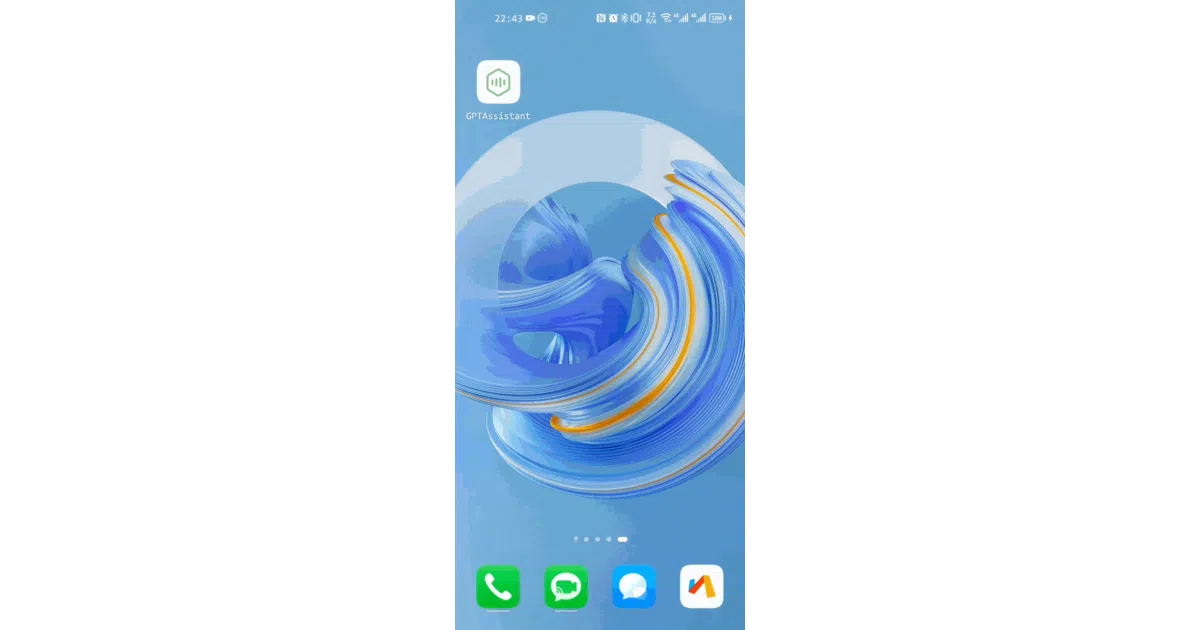
GPT Assistant is an Android app that lets you long-press the volume-down key to summon a floating chat interface from anywhere. You speak, it talks back, and it can ingest photos, Office documents, PDFs, or web pages you feed it via share sheets, drag-and-drop, or simple copy-paste. It connects to any OpenAI-compatible API and wraps the whole interaction in voice I/O with a choice of ASR and TTS engines.
The interesting bit
The experimental “agent mode” is the real curveball: by leveraging Android’s accessibility service, the app lets the LLM inspect the current screen’s UI tree and physically tap buttons, scroll, or type text in other apps—no vision model required. It is essentially a screen reader that acts on behalf of the AI rather than the user.
Key highlights
- Global trigger via volume keys, status-bar tile, or cross-app text selection
- Multimodal ingestion: images, TXT, PDF, DOCX, PPTX, XLSX through camera, gallery, share, or drag-and-drop
- Web browsing via Function calling, with special scrapers for sites like Baidu, Bing, Zhihu, JD, and GitHub
- Pluggable voice stack: Huawei (free), Baidu, Google, Whisper, plus system TTS
- Template system with custom UI widgets (dropdowns, input boxes) for repeatable prompts
Caveats
- Agent mode is experimental and relies on apps exposing their UI hierarchy via accessibility services; many modern apps don’t, and the authors warn against using it on payment or password screens
- Volume-key capture requires keeping an accessibility service alive, which Android vendors love to kill in the background
- Web scraping burns through tokens quickly and can fail on pages that require login or CAPTCHAs
Verdict
Worth a look if you want a voice-first, hardware-button LLM companion on Android. Skip it if you’re hoping for a polished, hands-off autonomous agent or if you’re uncomfortable granting broad accessibility permissions to a chat app.
Frequently asked
- What is Skythinker616/gpt-assistant-android?
- An Android accessibility hack that turns volume keys into a system-wide GPT voice remote—and optionally lets the LLM tap and swipe through other apps for you.
- Is gpt-assistant-android open source?
- Yes — Skythinker616/gpt-assistant-android is open source, released under the GPL-3.0 license.
- What language is gpt-assistant-android written in?
- Skythinker616/gpt-assistant-android is primarily written in Java.
- How popular is gpt-assistant-android?
- Skythinker616/gpt-assistant-android has 908 stars on GitHub.
- Where can I find gpt-assistant-android?
- Skythinker616/gpt-assistant-android is on GitHub at https://github.com/Skythinker616/gpt-assistant-android.