PurpleDoubleD/locally-uncensored
One .exe to run them all: local chat, images, video, and a coding agent
A Tauri desktop app that auto-detects a dozen local AI backends so you don't have to wrestle with Docker or API keys.
Velocity · 7d
+27
★ / day
Trend
↘cooling
star history
What it does
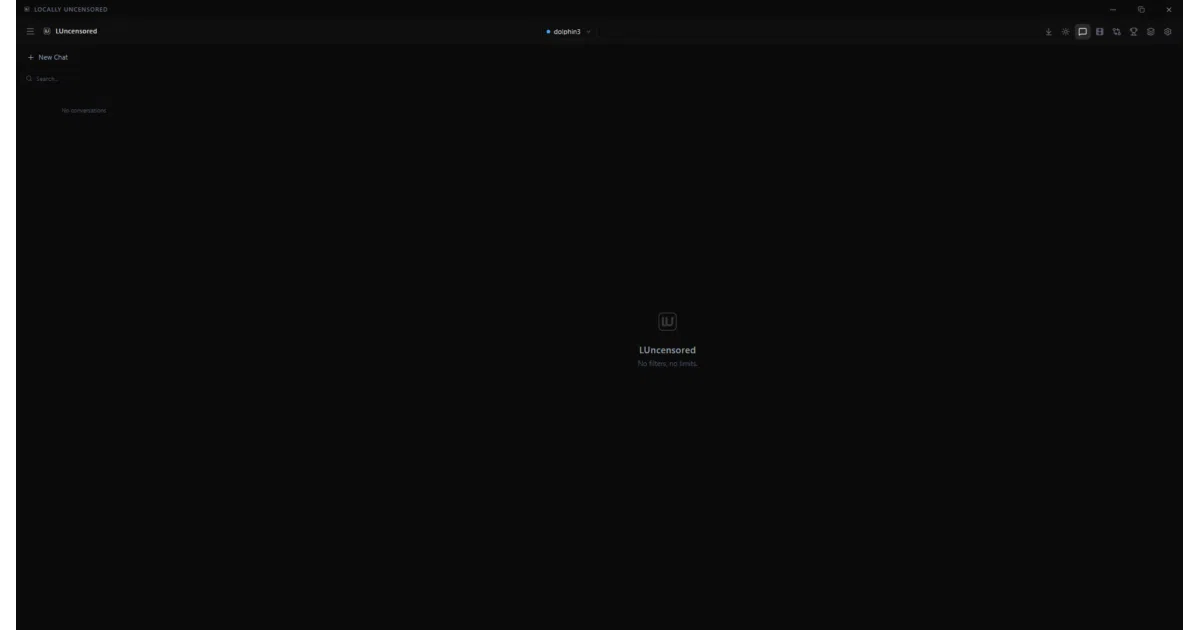
Locally Uncensored is a Windows/Linux desktop app (Tauri + React) that bundles chat, image generation, video generation, and a coding agent into a single downloadable .exe. It auto-detects 12 local backends — Ollama, LM Studio, ComfyUI, and others — so you can run models locally without touching Docker or cloud APIs. The “uncensored” branding refers to local execution without vendor content filters, not any specific model tuning.
The interesting bit
The real craft is in the onboarding and backend plumbing. The app probes for existing installs, handles path resolution quirks (like ComfyUI Desktop’s split binary/working-directory layout), and even kills its own spawned Ollama process on quit while leaving user-managed daemons untouched. Recent releases show obsessive attention to edge cases: IndexedDB backups for RAG document chunks, benchmark tok/s calculations that match actual chat throughput rather than inflating with startup latency, and family-name normalization that handles community HuggingFace quant variants.
Key highlights
- Single .exe, no Docker; auto-detects 12 local backends including Ollama, LM Studio, ComfyUI
- Chat with personas, image/video generation (ComfyUI-backed), coding agent with 14 tools + MCP support
- A/B model comparison and local benchmark with per-session tok/s tracking
- RAG document chat with embedding model auto-suggestion (
nomic-embed-text) - VRAM filtering in model discovery (≤10 GB / 10–16 GB / >16 GB) for both text and media models
- 2,306 passing vitest tests, 100 cargo tests; settings auto-migrate
Caveats
- macOS not supported in current builds (Windows + Linux only)
- “Agent mode” and some toggles require specific model family detection; community quant variants needed recent fixes to be recognized
- Image/video generation timeouts default to 20/60 minutes but are configurable; CPU-only users were previously hitting hard caps
Verdict
Worth a look if you want a unified local AI desktop without the usual stack of separate tools and terminal windows. Skip it if you’re on macOS or prefer browser-based interfaces like Open WebUI.
Frequently asked
- What is PurpleDoubleD/locally-uncensored?
- A Tauri desktop app that auto-detects a dozen local AI backends so you don't have to wrestle with Docker or API keys.
- Is locally-uncensored open source?
- Yes — PurpleDoubleD/locally-uncensored is open source, released under the AGPL-3.0 license.
- What language is locally-uncensored written in?
- PurpleDoubleD/locally-uncensored is primarily written in TypeScript.
- How popular is locally-uncensored?
- PurpleDoubleD/locally-uncensored has 2.6k stars on GitHub and is currently cooling off.
- Where can I find locally-uncensored?
- PurpleDoubleD/locally-uncensored is on GitHub at https://github.com/PurpleDoubleD/locally-uncensored.