Pal-AI-Lab/Coopanion
A desktop pet that remembers you and can drive your computer
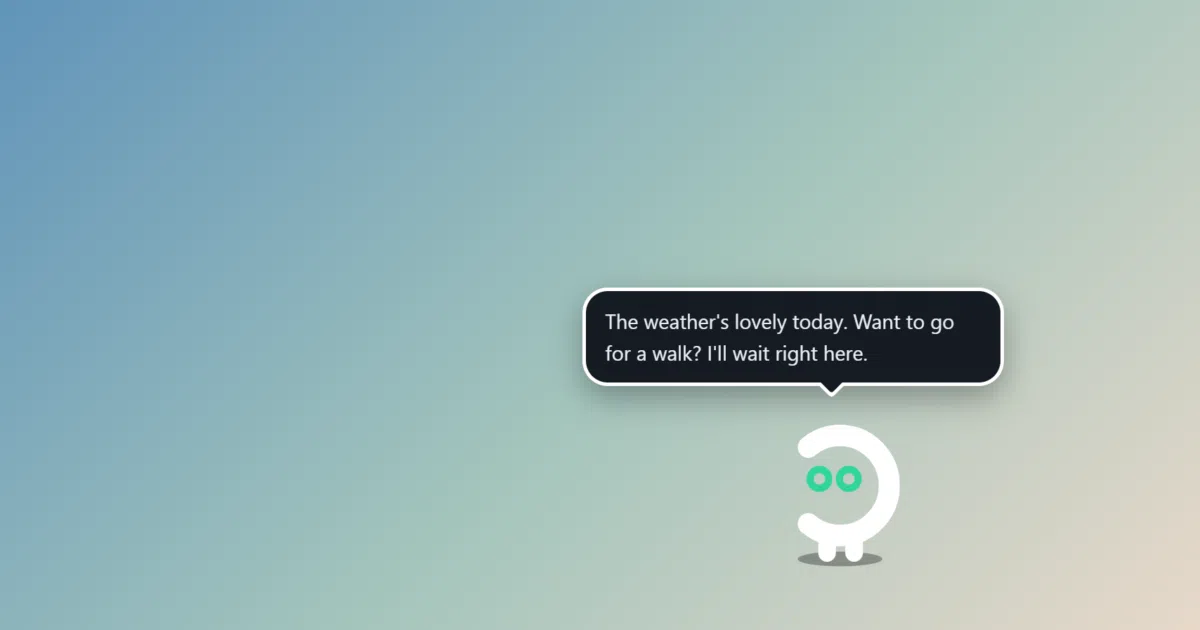
Coopanion puts a small AI creature on the edge of your screen that chats, listens, and — with permission — clicks things for you.
Collecting fresh signals — velocity needs a few days of history.
collecting data…
star history
What it does
Coo is a desktop pet that lives along the bottom edge of your screen. It chats in speech bubbles, accepts voice input (recognized locally via FunASR or Whisper), walks around, and can be granted computer-use abilities — clicking buttons, typing, switching windows — always asking before it acts. It runs on Windows, macOS and Linux, and talks to a long list of model backends: OpenAI, Anthropic, Gemini, DeepSeek, Qwen, Kimi, OpenRouter and more, or a ChatGPT account plan.
The interesting bit
The memory design is unusually concrete: everything Coo knows about you lives in a PARTNER.md file in its workspace, included whole in its prompt, and every workspace change is versioned — the Windows build even ships git for this. No vague “memory system” hand-waving; it’s a markdown file with history you can inspect.
Key highlights
- Speech recognition runs on your machine (FunASR ~230 MB or Whisper ~360 MB), not in the cloud
- Activity bubbles show what Coo is doing — reading, searching, writing, using the computer — with distinct animations
- Deep customization: persona, colors (five named after Cultist Simulator principles), hats, glasses, and importable figure packs with a compatibility promise
- Extensions (“Worlds”) add things like a QQ bot, a drawing room, and small games
- Portable Windows build keeps all data in its folder — copy it and you have a second pet with its own memory (up to 5 at once)
Caveats
- Neither the Windows installer nor the macOS app is code-signed, so expect “protected your PC” dialogs and manual permission re-grants after macOS updates
- Requires a paid API key (or ChatGPT plan); the model does the billing, not the app
- Linux computer use needs extra tools (
xdotool,zenity, a screenshot utility under Wayland), and Wayland runs through XWayland
Verdict
Worth a look if you want an AI companion that’s transparent about its memory and charming about its presentation. Skip it if a creature walking along your taskbar sounds like a liability rather than a feature.
Frequently asked
- What is Pal-AI-Lab/Coopanion?
- Coopanion puts a small AI creature on the edge of your screen that chats, listens, and — with permission — clicks things for you.
- Is Coopanion open source?
- Yes — Pal-AI-Lab/Coopanion is an open-source project tracked on heatdrop.
- What language is Coopanion written in?
- Pal-AI-Lab/Coopanion is primarily written in TypeScript.
- How popular is Coopanion?
- Pal-AI-Lab/Coopanion has 633 stars on GitHub.
- Where can I find Coopanion?
- Pal-AI-Lab/Coopanion is on GitHub at https://github.com/Pal-AI-Lab/Coopanion.