Microck/opencode-studio
The missing control panel for OpenCode tinkerers
It gives OpenCode's scattered JSON config a visual backbone, letting you manage MCP servers, skills, and plugins without touching a text editor.
Not currently ranked — collecting fresh signals.
star history
What it does
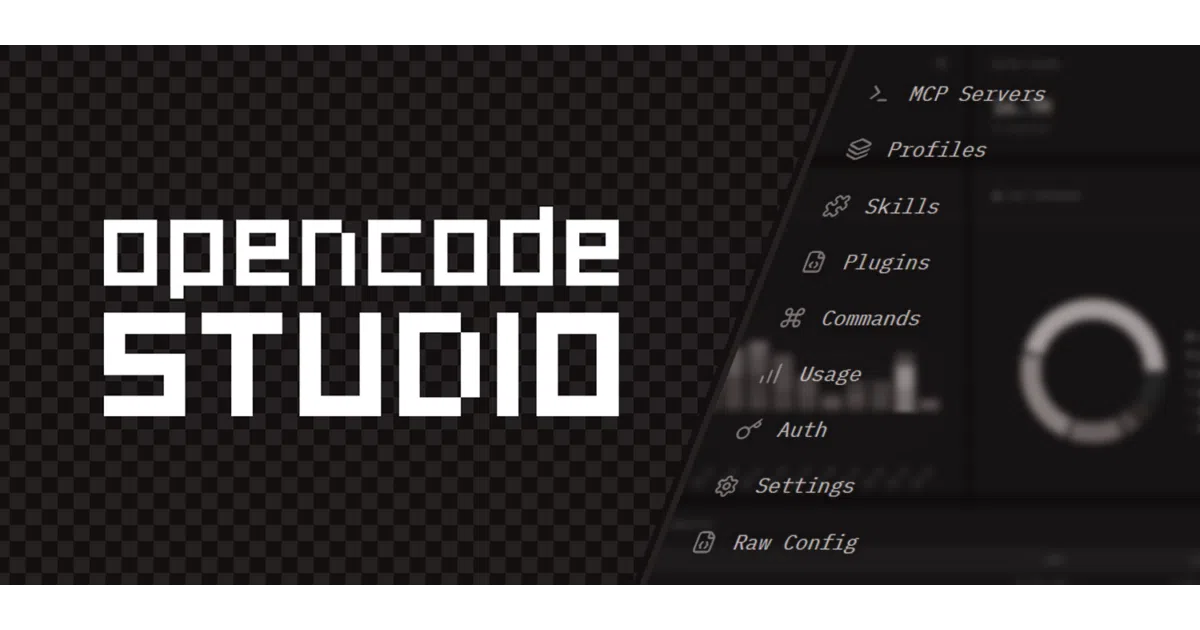
OpenCode Studio is a local web GUI that reads and writes your ~/.config/opencode/ directory through an Express backend, sparing you from hand-editing JSON to manage MCP servers, skills, plugins, and agent profiles. A Next.js frontend renders the controls, while the server auto-detects your config path and persists changes instantly to disk. You can run it fully offline or pair the public frontend with a local backend.
The interesting bit
The project implements a custom opencodestudio:// protocol so external sites can trigger one-click MCP installs or skill imports—though GitHub blocks these links, forcing a redirect-page workaround. It also supports isolated profiles that maintain separate configs, history, and sessions, which is more sandboxing than most local dev tools bother with.
Key highlights
- Toggle or add MCP servers via UI instead of editing
opencode.json - Bulk import skills and plugins from raw GitHub URLs with preview and checkbox selection
- Switch between isolated profiles with distinct configs, history, and sessions
- Sync or back up your entire setup to a private GitHub repo
- Deep-link protocol handlers for one-click external integrations (with a confirmation dialog for security)
Caveats
- The server expects an existing
~/.config/opencode/opencode.json; it will not bootstrap a fresh OpenCode setup from zero - Custom protocol deep links require manual registration and do not work directly on GitHub, which strips them from user content
- Agents and GitHub sync depend on pre-existing external files or tools (
oh-my-openagent.json, theghCLI)
Verdict
Worth a look if you use OpenCode and are tired of JSON archaeology. If you do not use OpenCode, this is just a very specific config editor that will not do much for you.
Frequently asked
- What is Microck/opencode-studio?
- It gives OpenCode's scattered JSON config a visual backbone, letting you manage MCP servers, skills, and plugins without touching a text editor.
- Is opencode-studio open source?
- Yes — Microck/opencode-studio is an open-source project tracked on heatdrop.
- What language is opencode-studio written in?
- Microck/opencode-studio is primarily written in TypeScript.
- How popular is opencode-studio?
- Microck/opencode-studio has 790 stars on GitHub.
- Where can I find opencode-studio?
- Microck/opencode-studio is on GitHub at https://github.com/Microck/opencode-studio.