0xacx/chatGPT-shell-cli
ChatGPT in bash: no Python, no Node, no ceremony
A 1,200-star shell script that talks to OpenAI's API using nothing but curl, jq, and terminal gumption.
Not currently ranked — collecting fresh signals.
star history
What it does
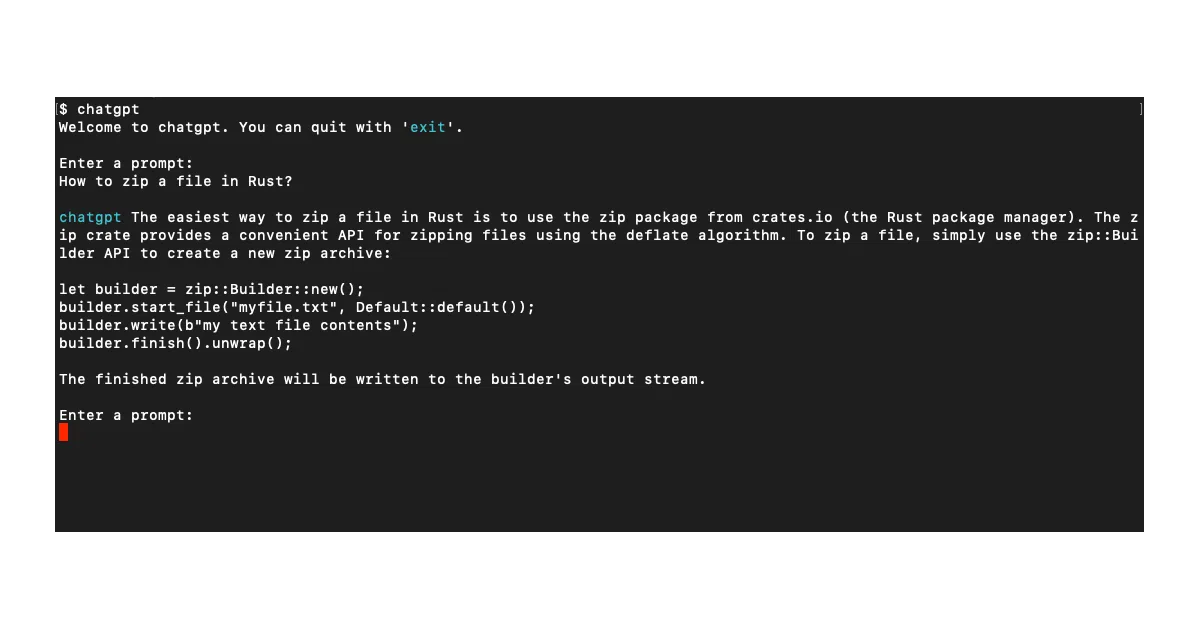
chatGPT-shell-cli is a single bash script that hits OpenAI’s chat and image endpoints. You chat, generate images, list models, or even request shell commands — all from the prompt you already have open. It pipes, it parameters, it runs. Dependencies are just curl and jq.
The interesting bit
The project leans into shell minimalism rather than fighting it. Chat context for non-chat models is hand-rolled in bash: the script prepends previous Q&A pairs and a system prompt so older endpoints feel stateful. There’s even a command: prefix that generates shell commands and asks before executing — with a warning if filesystem changes are involved.
Key highlights
- Supports
gpt-3.5-turbo,gpt-4, and legacy completion models via flags - Pipe mode:
echo "question" | chatgptfor scripting workflows - Image generation via
image:prefix; iTerm users get inline previews - Custom initial prompts from file or flag for “stay in character” sessions
- Arch Linux AUR package available; otherwise one
curl | sudo bashinstall
Caveats
- The default install method is
curl ... | sudo -E bash, which the README presents without checksum verification - Chat context for non-turbo models is client-side and unbounded; long sessions will grow tokens and cost
Verdict
Worth a look if you live in tmux and resent installing a Python env just to ask GPT-4 a quick question. Skip it if you need streaming responses, plugins, or anything resembling a real TUI.
Frequently asked
- What is 0xacx/chatGPT-shell-cli?
- A 1,200-star shell script that talks to OpenAI's API using nothing but curl, jq, and terminal gumption.
- Is chatGPT-shell-cli open source?
- Yes — 0xacx/chatGPT-shell-cli is open source, released under the MIT license.
- What language is chatGPT-shell-cli written in?
- 0xacx/chatGPT-shell-cli is primarily written in Shell.
- How popular is chatGPT-shell-cli?
- 0xacx/chatGPT-shell-cli has 1.2k stars on GitHub.
- Where can I find chatGPT-shell-cli?
- 0xacx/chatGPT-shell-cli is on GitHub at https://github.com/0xacx/chatGPT-shell-cli.