jianjieyiban/JJYB_AI_VideoAutoCut
A local-first AI video studio that refuses to fake your timeline
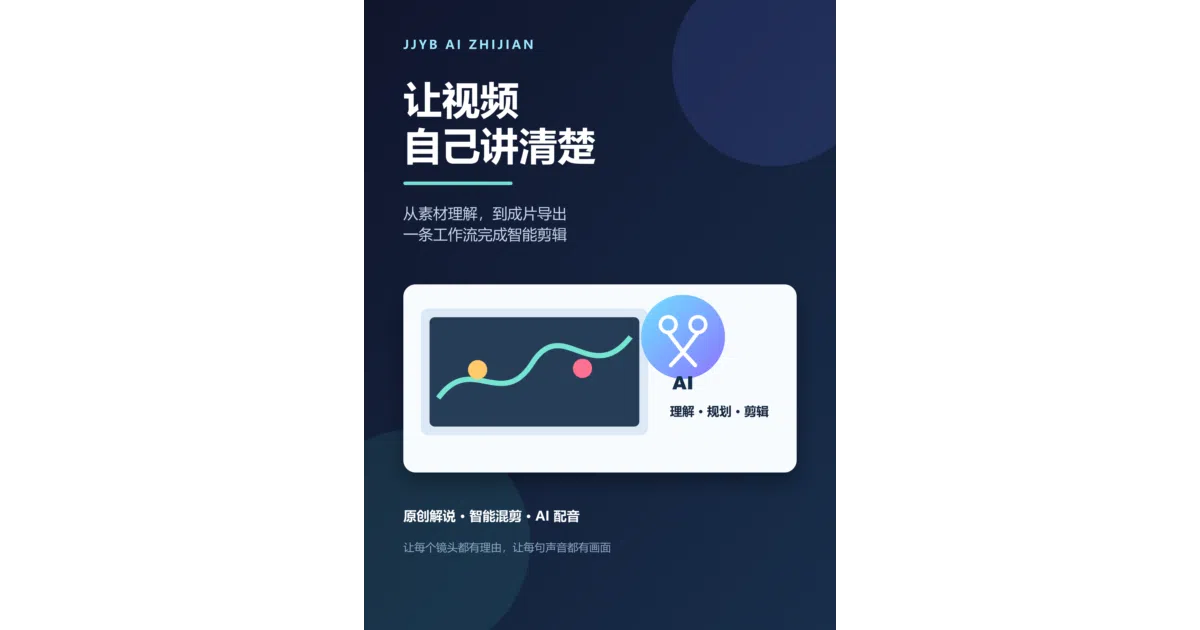
JJYB_AI 智剪 chains shot detection, scriptwriting, TTS, and sync into one Windows desktop workflow — and fails loudly rather than padding clips.
Collecting fresh signals — velocity needs a few days of history.
collecting data…
star history
What it does
It’s a desktop-first (Flask + PyWebView, Windows 10/11) video editing workbench that runs the whole pipeline in one place: shot segmentation, AI-generated commentary scripts, TTS voiceover, audio-video sync, subtitles, remixing, and export — including export as a native JianYing (剪映) draft you can open directly in the pro editor. Data lives in local SQLite; rendering goes through FFmpeg.
The interesting bit
The sync engine has an unusually honest design philosophy: if a source shot is too short to cover the voiceover even with safe slow-motion, it explicitly refuses rather than freezing the last frame to fake the duration. Same for target runtime — verified with FFprobe, and if the material can’t reach it, it says so instead of looping clips. That’s rarer in auto-editing tools than it should be.
Key highlights
- Shot segmentation via TransNetV2 with OpenCV histogram fallback, no frame cap
- 12 narration styles, 12 writing personas, 4 narrative perspectives, 10 opening hooks — the style knobs are… thorough
- Music-beat remix mode using
librosawith dense/medium/sparse cut densities - Multiple TTS engines (Edge, Azure, gTTS, Volcano) plus local voice cloning via IndexTTS2 in an isolated Python 3.10 environment
- AI cover generation across many providers, with a local template fallback when clouds are unreachable
- Bilingual Chinese/English UI covering 200+ strings
Caveats
- Windows-only, and it’s a big integration project — cloud LLMs, TTS, and cloning features depend on your own API keys and model weights being in place
- License is restrictive: source is public for personal study and use only; any commercial use requires written authorization from the author
- Voice cloning requires explicit consent from the reference speaker (
consent=trueis enforced at the interface level)
Verdict
Worth a look if you produce Chinese-style commentary or remix videos on Windows and want an all-local pipeline instead of juggling five tools. Skip it if you need cross-platform support, commercial rights, or a small codebase — this is a large glued-together system, though the glue is at least thoughtfully applied.
Frequently asked
- What is jianjieyiban/JJYB_AI_VideoAutoCut?
- JJYB_AI 智剪 chains shot detection, scriptwriting, TTS, and sync into one Windows desktop workflow — and fails loudly rather than padding clips.
- Is JJYB_AI_VideoAutoCut open source?
- Yes — jianjieyiban/JJYB_AI_VideoAutoCut is an open-source project tracked on heatdrop.
- What language is JJYB_AI_VideoAutoCut written in?
- jianjieyiban/JJYB_AI_VideoAutoCut is primarily written in HTML.
- How popular is JJYB_AI_VideoAutoCut?
- jianjieyiban/JJYB_AI_VideoAutoCut has 1.1k stars on GitHub.
- Where can I find JJYB_AI_VideoAutoCut?
- jianjieyiban/JJYB_AI_VideoAutoCut is on GitHub at https://github.com/jianjieyiban/JJYB_AI_VideoAutoCut.