fossasia/susi_chromebot
A chatbot that lives in your toolbar, not your tabs
SUSI.AI's Chrome extension keeps AI assistance one keyboard shortcut away so you never have to leave your current page.
Not currently ranked — collecting fresh signals.
star history
What it does
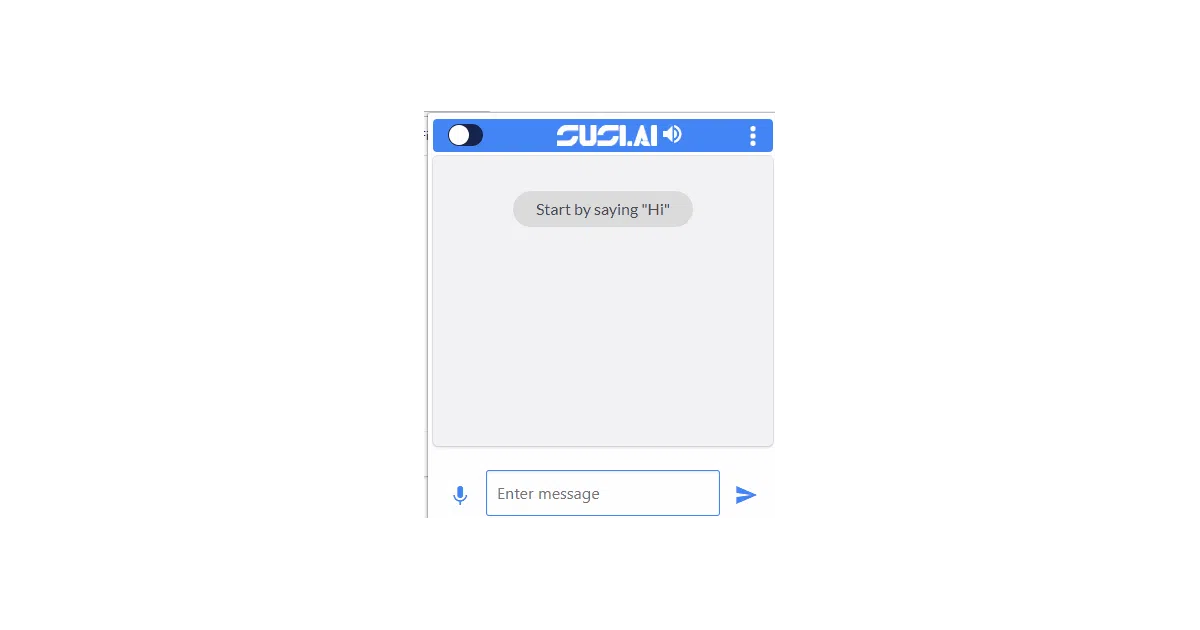
This is a browser extension that puts SUSI.AI — an open-source personal assistant — into a popup accessible from the Chrome toolbar. You type or speak, it responds, and you never leave the tab you’re reading. The README frames it as solving the specific friction of “wanting SUSI.AI functionality without leaving the current browsing context.”
The interesting bit
The project treats the browser extension as a first-class client, not an afterthought. It bundles voice input (mic access configurable via the extension’s Options page) and binds to Alt+Shift+s for keyboard-driven opening. That’s a level of integration many assistant extensions skip.
Key highlights
- Keyboard shortcut (
Alt+Shift+s) and toolbar icon both open the assistant - Voice input supported with explicit mic permission handling
- Loads as an unpacked extension from
src/— no Chrome Web Store packaging visible - Part of the broader FOSSASIA SUSI.AI ecosystem (server, clients, skills)
- 1,552 stars suggests modest but real community traction
Caveats
- Installation requires manual developer-mode loading; no published store version mentioned in README
- The “Working GIF” is the only visual documentation, and it’s hosted in-repo
- README has a typo (“keybkeyboard”) and sparse technical detail beyond install steps
Verdict
Worth a look if you’re building browser-extension UIs for conversational AI or want to see how a FOSS assistant project structures its Chrome client. Skip it if you need a polished, one-click install or deep technical documentation — this is clearly a community-maintained satellite project, not the flagship.
Frequently asked
- What is fossasia/susi_chromebot?
- SUSI.AI's Chrome extension keeps AI assistance one keyboard shortcut away so you never have to leave your current page.
- Is susi_chromebot open source?
- Yes — fossasia/susi_chromebot is open source, released under the LGPL-2.1 license.
- What language is susi_chromebot written in?
- fossasia/susi_chromebot is primarily written in JavaScript.
- How popular is susi_chromebot?
- fossasia/susi_chromebot has 1.5k stars on GitHub.
- Where can I find susi_chromebot?
- fossasia/susi_chromebot is on GitHub at https://github.com/fossasia/susi_chromebot.