anc95/writely
Notion AI, but everywhere you actually write
A browser extension that brings GPT-powered writing assistance to any text field on the web.
Not currently ranked — collecting fresh signals.
star history
What it does
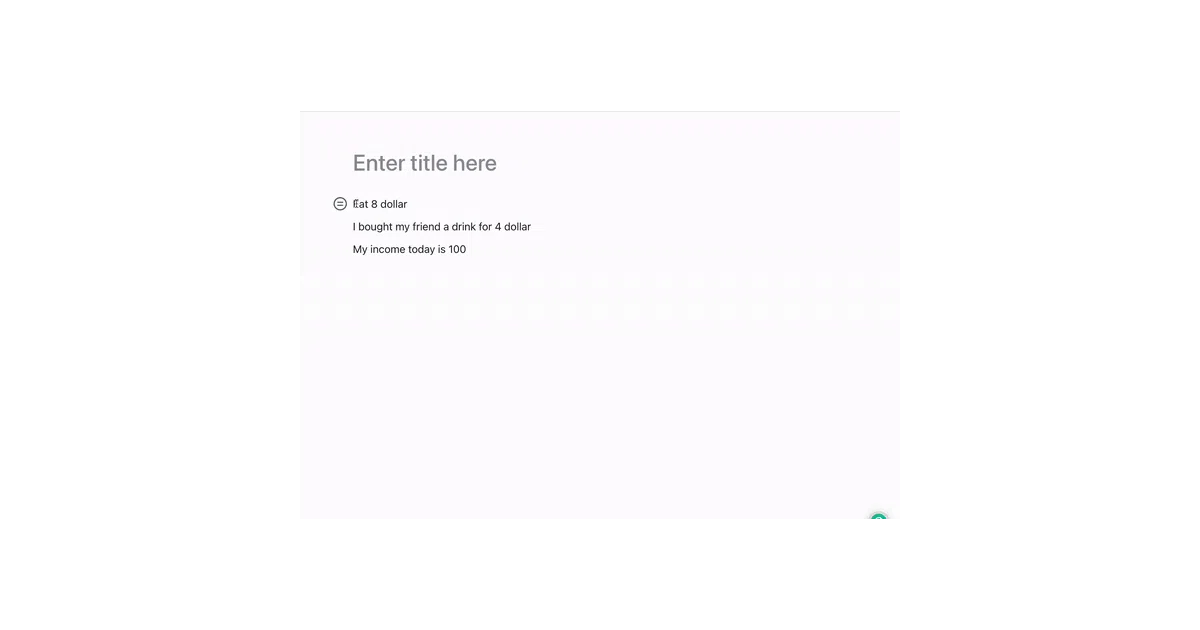
Writely is a browser extension that injects a GPT-based writing assistant into any webpage with a text editor. Select text, click the floating “W” icon, and get help drafting emails, articles, social media replies, or translations. It runs on your own OpenAI API key across Chrome, Firefox, and Edge.
The interesting bit
The pitch is simple: Notion AI is trapped inside Notion. Most of us write in Gmail, Twitter, Reddit, random CMS boxes, and comment fields. Writely follows the cursor instead of the app, which is either liberating or slightly dystopian depending on how you feel about AI-generated Weibo clapbacks.
Key highlights
- Works on “any editor webpage” — not locked to a single platform
- Supports writing, translation, and reading assistance
- Bring-your-own-OpenAI-key model (no subscription middleman)
- Cross-browser: Chrome, Firefox, and Edge add-ons available
- Triggered by text selection with a floating contextual icon
Caveats
- Requires an OpenAI API key and manual configuration; not plug-and-play for the API-averse
- Still in Beta; the README is thin on technical architecture or privacy handling
- “Beyond Notion AI” is the project’s claim, but the README doesn’t specify concrete capabilities Notion AI lacks
Verdict
Grab it if you live in browser text fields and want consistent AI assistance without switching apps. Skip it if you need deep integration with a specific workflow or want someone else to manage API costs and rate limits.
Frequently asked
- What is anc95/writely?
- A browser extension that brings GPT-powered writing assistance to any text field on the web.
- Is writely open source?
- Yes — anc95/writely is open source, released under the MIT license.
- What language is writely written in?
- anc95/writely is primarily written in TypeScript.
- How popular is writely?
- anc95/writely has 1.3k stars on GitHub.
- Where can I find writely?
- anc95/writely is on GitHub at https://github.com/anc95/writely.