Keys-Wasserman/Imagination-Studio-by-keys-Wasserman
A whole film studio that lives on your own hardware
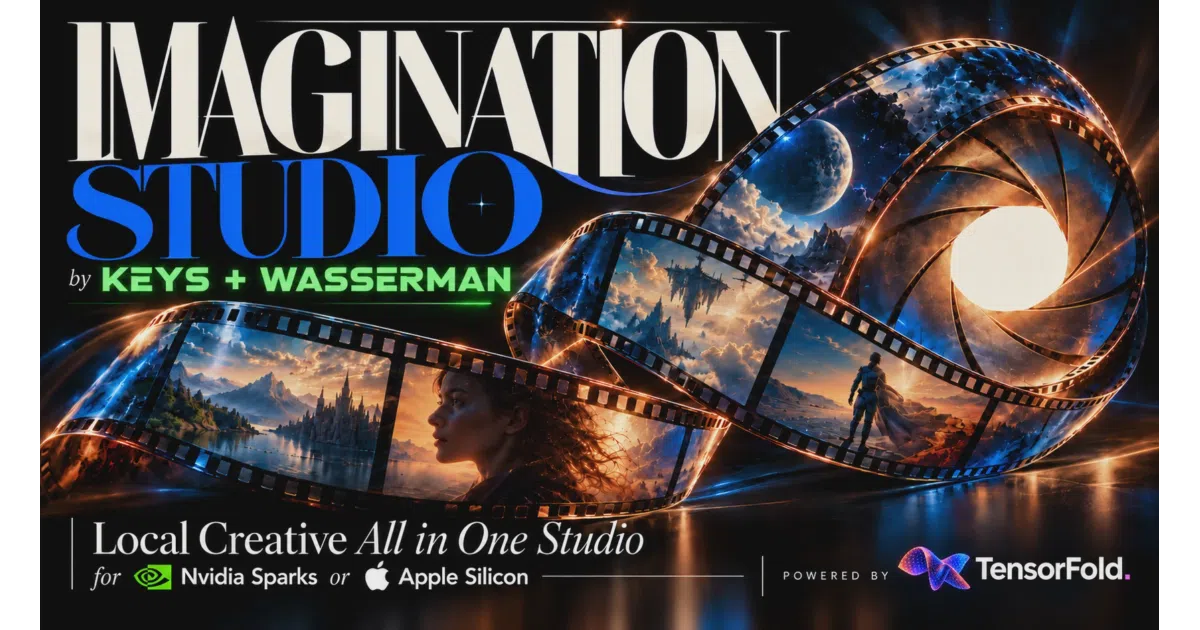
Imagination Studio bundles script planning, image, video, voice and music generation into one local app — if your machine can feed it.
Too new to rank. Velocity needs a few days of history.
not enough history yet
star history
What it does It’s a self-contained AI filmmaking pipeline: import scripts, plan shots with a storyboard and film bible, generate stills and video with sound, then grade, mix and export to an editor. It runs locally on Windows (natively, no WSL), Apple-silicon Macs, and NVIDIA Linux boxes including DGX Spark. The whole thing is a front end over a queue of model engines — Qwen-Image for pictures, MiniMax H3 for video, Fish Audio for voices — orchestrated by TensorFold.
The interesting bit
The memory guard is the real engineering story. Renders go through a queue that measures each job’s memory peak, unloads idle modules (voice, songs, cached ComfyUI models) to make room, and refuses jobs by name when other programs hold the RAM — before the OOM killer gets involved. There’s even an MCP interface so coding agents can check GET /api/memory and request memory release before starting their own models. Polite resource arbitration is rarer in AI tooling than it should be.
Key highlights
- Full pipeline: story planning, image/video generation, voices, music, editing and export — all local.
- Cross-platform: native Windows 11 on Arm, macOS 26+ on Apple silicon, DGX Spark and other NVIDIA GPUs on Linux.
- Feature qualification system runs opt-in test renders on your machine and gates settings that haven’t actually been verified to fit your memory.
- Agents (Claude Code, Codex) get a documented protocol for coexisting with renders via MCP tools.
- Apache-2.0 code; model weights keep their own licences and aren’t redistributed.
Caveats
- Hardware appetite is serious: 48 GB Mac for pictures only, 96–128 GB for video, ~185 GB disk; the full Windows feature set targets 128 GB machines.
- Model licensing is a minefield — Qwen-Image-2.1 and MMAAudio weights are non-commercial, MiniMax H3 has territory limits, Fish Audio hosted services need separate licensing.
- Mac performance claims come from M5 Ultra measurements; the README admits smaller Macs and M1–M4 “may be much slower.”
Verdict Worth a look if you have serious hardware and want an integrated, privacy-respecting filmmaking pipeline rather than stitching together half a dozen web tools. If you’re on a 16 GB laptop, this is not for you — the README will tell you so itself.
Frequently asked
- What is Keys-Wasserman/Imagination-Studio-by-keys-Wasserman?
- Imagination Studio bundles script planning, image, video, voice and music generation into one local app — if your machine can feed it.
- Is Imagination-Studio-by-keys-Wasserman open source?
- Yes — Keys-Wasserman/Imagination-Studio-by-keys-Wasserman is open source, released under the Apache-2.0 license.
- What language is Imagination-Studio-by-keys-Wasserman written in?
- Keys-Wasserman/Imagination-Studio-by-keys-Wasserman is primarily written in Python.
- How popular is Imagination-Studio-by-keys-Wasserman?
- Keys-Wasserman/Imagination-Studio-by-keys-Wasserman has 1.2k stars on GitHub.
- Where can I find Imagination-Studio-by-keys-Wasserman?
- Keys-Wasserman/Imagination-Studio-by-keys-Wasserman is on GitHub at https://github.com/Keys-Wasserman/Imagination-Studio-by-keys-Wasserman.