10up/classifai
WordPress admin, meet your new AI intern
A plugin that wires OpenAI, Azure, and local LLMs into the WordPress editor so writers spend less time on chores and more time on actual writing.
Not currently ranked — collecting fresh signals.
star history
What it does
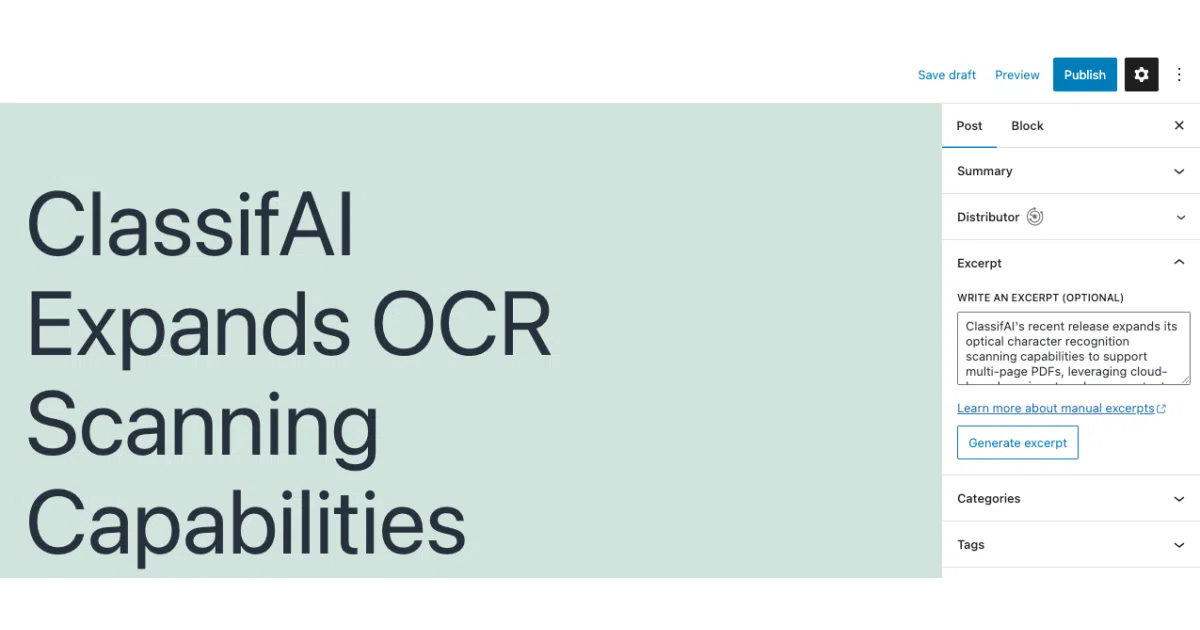
ClassifAI is a WordPress plugin that bolts AI services into the content workflow. It can draft articles, generate excerpts and titles, expand or condense text, write alt text, crop images, transcribe audio, convert text to speech, moderate comments, and even build a smart 404 page that suggests relevant posts. It supports OpenAI, Microsoft Azure, Google Gemini, xAI Grok, IBM Watson, ElevenLabs, and local models via Ollama.
The interesting bit
The breadth is almost comical—this isn’t a single-purpose AI tool, it’s a whole control panel for delegating tedium. The local Ollama support is a quiet win: you can run summarization or image generation without shipping data to a third party. There’s also a robots.txt tweak to block common AI scrapers, which suggests the authors have actually operated a content site and dealt with the consequences.
Key highlights
- Provider buffet: OpenAI, Azure, Google, xAI, IBM Watson, ElevenLabs, Together AI, or local Ollama—pick your poison per feature.
- Editor-native: Features appear as blocks and sidebar tools in the WordPress block editor, not a separate dashboard.
- Smart 404s: Uses embeddings plus ElasticPress to suggest relevant content when visitors hit dead links.
- Image ops: Alt text, tagging, OCR on PDFs, and AI-assisted focal-point cropping via Azure.
- Credential hygiene: Built-in filters let you pull API keys from environment variables instead of the database.
Caveats
- Requires a free ClassifAI registration key for auto-updates and feature access, which adds a hoop.
- Individual features have their own requirements and pricing (the plugin itself is free, but the APIs are not).
- PHP 7.4+ and WordPress 6.9+ required; some features need ElasticPress or specific cloud accounts.
Verdict
Worth a look if you run a WordPress site with enough content volume that manual tagging, excerpt-writing, and alt-texting have become soul-crushing. Skip it if your site is a static brochure or you’re philosophically opposed to wiring your CMS to four different cloud AI providers.
Frequently asked
- What is 10up/classifai?
- A plugin that wires OpenAI, Azure, and local LLMs into the WordPress editor so writers spend less time on chores and more time on actual writing.
- Is classifai open source?
- Yes — 10up/classifai is open source, released under the GPL-2.0 license.
- What language is classifai written in?
- 10up/classifai is primarily written in PHP.
- How popular is classifai?
- 10up/classifai has 714 stars on GitHub.
- Where can I find classifai?
- 10up/classifai is on GitHub at https://github.com/10up/classifai.