makecindy/cindy · 11 Nov 2026 · Feature
Cindy Wants to Be the Agent That Manages All Your Other Agents

Giulia Conti
Editor
An open-source desktop and mobile client that treats Claude Code and Codex as swappable engines — and bets you'd rather orchestrate agents than choose one.
makecindy/cindy
★9.9k stars Velocity · 7d +986 ★/day ↗accelerating
star history
The AI agent world spent 2025 and early 2026 moving out of the IDE sidebar. Vendors shipped terminal-first, desktop-first, and cloud-first “mission control” surfaces before they shipped editor extensions, because long-horizon tasks and parallel agents choke inside a single context window and a synchronous chat pane — that’s the argument made in Augment Code’s survey of the desktop-agent shift, and it’s a convincing one. Into this landscape arrives Cindy, an Apache-2.0 project from XD.INC whose pitch is not “another agent” but something stranger: an open-source client whose job is to run, coordinate, and outlive all the agents you already pay for.
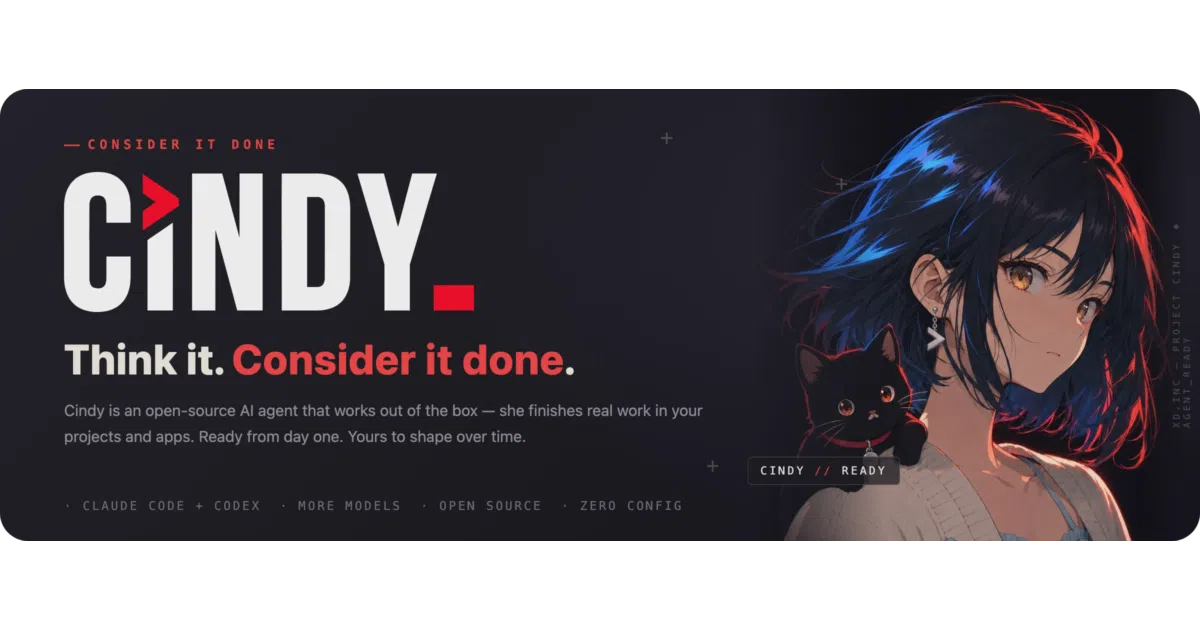
The tagline is “Consider it done,” which is the kind of confidence that usually precedes disappointment. But the architecture underneath the marketing is genuinely odd in a way worth taking seriously.
The harness is not the model
The core idea, and the one thing about Cindy that isn’t a rebrand of someone else’s roadmap, is a clean separation between what the project calls harnesses and models. A harness is an execution engine — Claude Code and Codex are the first two supported, with a third, Pi, listed on the project site, and a native harness in the works. The model is a separate, orthogonal choice. In most tools these two things are fused: run Claude Code and you’re running Anthropic’s model with Anthropic’s agent loop, full stop.
Cindy breaks that fusion. Models and harnesses mix freely and can switch mid-task, while workspace state, memory, skills, and tools persist across the swap. That persistence layer is the actual product. If you’ve ever had an agent lose the plot halfway through a refactor because you wanted to try a different model, the appeal is immediate: the task becomes a first-class object that outlives any particular engine running it.
It goes further. The repository’s docs describe what it calls Orca, a multi-agent orchestration scheme, and the site confirms the shape: a single task can be planned by one harness-model combination, executed in parallel by several others, and reviewed by yet another — with Cindy holding the shared context the whole time. This is the “different agents handling different problems” pattern that IBM’s research says three-quarters of business leaders anticipate, except implemented at the level of an individual’s desktop rather than an enterprise middleware layer. The boring part is where the value lives: someone has to own the shared state, the memory, and the handoffs between agents, and Cindy is betting that role belongs to a local client rather than any single vendor’s cloud.
What’s actually in the repository
Honesty first: this is a client, not a system. The repository contains an Electron desktop app, an Expo/React Native mobile client, and shared packages for auth, device linking, agent orchestration, and model providers. The backend service lives in a separate repository that is not open. The wire protocol is shared via a git submodule. So the honest description of the codebase is: a well-organized orchestration shell around other people’s agent engines, plus a proprietary service it talks to by default.
That’s less damning than it sounds, and the details suggest a team that cares about supply-chain hygiene. The tool binaries the desktop app ships — claude-code, codex, and ripgrep — are not committed to the repository; they’re fetched per platform at install time, and the Android platform-tools binaries are pinned and sha256-verified before Windows packaging. Contributions require a Developer Certificate of Origin sign-off with no CLA, which is the contributor-friendly end of the spectrum. The monorepo carries a design system document, an engineering-rules file for agents working on the codebase itself, and deep-dive architecture docs. This is glue code, but it is disciplined glue code.
The device story is the part that doesn’t have an obvious competitor. Cindy links your desktop and phone into one system: tasks, files, and model configurations are shared across devices, you can hand off a task mid-conversation from one machine to another, and a built-in remote desktop feature lets you view and operate a connected computer from your phone. The project’s framing is that work and execution records live on your own machines — no backend to deploy, no server to rent — though model charges, naturally, still apply.
The business model hiding in the README
The most interesting paragraph in the documentation is the one about billing. Cindy lets you authorize the Claude Code or Codex coding-plan subscription you already pay for and keep using it inside Cindy — “no duplicate bill,” in the project’s words. Alternatively you sign in to the official Cindy service with transparent usage deduction, connect your own API keys, or run local models, which are currently in beta. The project site extends the list of sign-in options to ChatGPT, SuperGrok, Kimi Code, MiniMax, and GitHub Copilot subscriptions.
Read that as a positioning statement: Cindy is not trying to sell you tokens. It’s trying to become the surface through which every token you already buy gets spent. That’s a coherent bet — the subscription-bundling wars have left many developers holding three or four agent plans, and a neutral orchestrator that respects all of them is an obvious gap. It also explains why the client is open source at all: an orchestration layer only works if users trust it enough to hand it their credentials and their files, and auditable source is the cheapest trust available.
There’s a regional wrinkle worth noting. The development entry points distinguish between Mainland China Cindy accounts and global ones, and the official builds ship TapDB analytics — TapDB being a TapTap product, a Chinese mobile analytics provider. The telemetry is disclosed plainly: device, OS, and app-version metadata, associated with your account ID after sign-in, plus an online heartbeat while connected. It does not, per the documentation, collect chat content, file content, or working-directory data, and crash dumps stay local. Build from source and the analytics are removable — mobile telemetry is a no-op without injected credentials, and the desktop initialization is a single call you can delete. The disclosure is better than most, but anyone evaluating Cindy should understand that “open source” here modifies the client, not the service, and the client points at official cloud endpoints by default.
Local mode, and the asterisks
The README is unusually candid about limits, which deserves credit. “Local mode” on the login screen is an unauthenticated local-agent mode — not a connection to a local server — and server-backed capabilities are unavailable in it. The plugin marketplace is “in the making.” Team sharing of skills is “in the making.” pnpm 11 is not yet supported. Local models are in beta. The memory claim — correct her once and she does it right from then on, shared across harnesses — is the kind of assertion that every agent vendor makes and none has cleanly demonstrated, and the sources here offer no benchmark to back it. The criteria that Domo lays out for what makes a real agent — planning, memory across sessions, feedback loops, environment sensing — are all present as features; whether they work as advertised is something the sources simply don’t establish.
The category question is also unresolved. Cindy straddles two markets that Vellum’s survey of open-source personal assistants says are splitting apart: developer agent frameworks and full personal assistants with identity, proactivity, and multi-channel presence. Cindy is both. She drives your browser, computer, and phone; takes work from IM and schedules; supports Slack, GitHub, Feishu, and SSH integrations; and lets you create persistent named “companions” with roles, memory, and skills. That breadth is either the point — one agent that spans your coding work and your actual life — or a sign of a project that hasn’t decided what it is. The curated Awesome AI Agents list is full of tools that died of exactly this ambiguity.
Why it matters anyway
Strip away the companion framing and the persona, and Cindy is making one structural argument that the rest of the field has mostly avoided: that the agent harness is a commodity. If Claude Code and Codex are interchangeable engines — swappable mid-task, mixable within a single plan-execute-review pipeline — then the durable layer is everything around them: the memory, the skills, the device mesh, the orchestration. That argument is either prescient or premature. The harness vendors are not standing still, and each new capability they ship narrows the space an orchestrator can add value in.
But the direction of travel in the broader market supports the thesis. The shift toward desktop and command-center surfaces exists precisely because agents now work in parallel and across long horizons, and something has to hold the shared context. Gartner, cited in Workday’s industry overview, predicts a third of enterprise software will include agentic AI by 2028. Whoever owns the orchestration layer when that happens owns the relationship — and Cindy’s answer to “whoever” is: you do, on your own machine, with source you can read.
The unresolved tension is the one every open-core project lives with. The client is free and changeable; the service it depends on by default is neither. Local mode exists as an escape hatch, but a diminished one. If the project’s roadmap items — the native harness, the plugin marketplace, team-shared skills — land, Cindy becomes a genuine platform. If they don’t, it remains what the repository literally is today: a very well-engineered front door to someone else’s back office, with the unusual virtue of letting you bring your own keys.
Sources
- 9 Best AI Coding Agent Desktop Apps in 2026 (Ranked by ...
- AI Agent Use Cases | IBM
- Cindy Crawford (@cindycrawford)
- Built an open-source AI agent that points at your screen ...
- 22 AI Agent Examples & Use Cases
- Cindy — The open-source AI agent, ready from day one
- 8 Best Open-Source Personal AI Assistants in 2026 - Vellum
- Real world examples of AI agents - use cases that really ...
- Cindy Crawford (@CindyCrawford)
- e2b-dev/awesome-ai-agents: A list of AI autonomous agents
- Top AI Agent Examples and Industry Use Cases
- Cindy Crawford