firecrawl/pdf-inspector · 04 Aug 2026 · Feature
Why Your PDF Pipeline Probably Doesn't Need OCR Yet

Claire Donnelly
Staff Writer
Firecrawl's Rust library classifies documents in milliseconds, routing the majority of text-based PDFs to fast local extraction instead of expensive vision models.
firecrawl/pdf-inspector
★19.8k stars Velocity · 7d +4.6 ★/day ↘cooling
star history
Every document pipeline in 2025 seems to start with the same assumption: the PDF is a photograph. Feed it to a vision model, burn a few GPU seconds, pay per page, and hope the layout parser hallucinates the tables correctly. But here is an awkward secret: roughly half of the PDFs circulating in the wild are not images. They are native documents with encoded text, fonts, and vector drawing operators already inside them. Treating them like scanned photographs is not just wasteful; it is a category error.
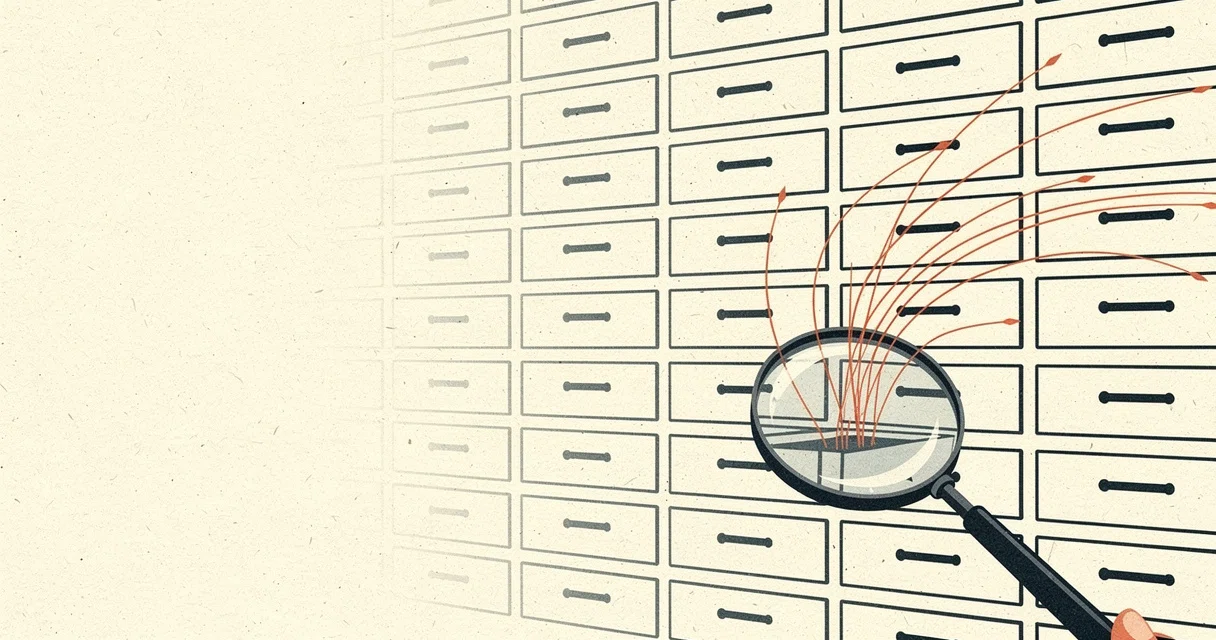
Firecrawl, the company behind the web-scraping API of the same name, has quantified the waste. According to their own benchmarks, about fifty-four percent of PDFs are text-based and do not require optical character recognition at all. Yet most extraction pipelines default to OCR for every file, burning latency and money on documents that could surrender their contents in milliseconds. Their response is pdf-inspector, a Rust library that treats classification as the first-class problem and OCR as a fallback. The goal is not to build a better OCR engine. It is to make sure OCR is only invoked when it is actually necessary.
The Router, Not the Parser
The architectural insight is simple enough to sound obvious after the fact: before you extract, decide what you are looking at. pdf-inspector begins by parsing the cross-reference table and page tree, then samples content streams for text operators (Tj, TJ) and image operators (Do). It never loads the full object model unless it has to. A three-hundred-page document can be classified in milliseconds, and the result is not merely a binary label. The library returns a confidence score between zero and one, a document type—TextBased, Scanned, ImageBased, or Mixed—and, crucially, a list of specific page numbers that actually need OCR. This enables per-page routing rather than all-or-nothing pipeline decisions.
The Extend.ai guide on PDF classification APIs makes a similar point about entry-point accuracy: misroute a document at the start, and even the best downstream extractor will fail. Firecrawl’s implementation is more stripped-down than a cloud API. It is a local Rust binary with a single dependency on lopdf, no machine-learning models, and no external services. The classification stage is deterministic, which means it is also predictable and free to run.
What 200 Milliseconds Buys You
Once a document is flagged as text-based, the extractor goes to work. The library performs a single document load and shares the parsed structure between detection and extraction, eliminating redundant I/O. It walks PDF content operators to build position-aware text items, captures font metadata, X and Y coordinates, and hyperlink annotations. From there it reconstructs reading order across multi-column layouts, handles right-to-left text, and decodes CID fonts via ToUnicode CMap parsing.
The conversion to Markdown is where the heuristics live. Headings are inferred from font-size ratios clustered in half-point increments. Bold and italic are detected from font name patterns. Lists are recognized by bullet glyphs and numbering schemas. Code blocks are identified through monospace font detection. Tables use a dual-mode approach: rectangle-based detection from PDF drawing operations, backed by heuristic alignment detection for cases where the geometry is implicit. The library even handles typographic edge cases like hyphenation rejoining, drop caps, and dot-leader collapse.
On the opendataloader-bench corpus of two hundred documents, pdf-inspector scores 0.78 overall. That trails the OCR-and-ML cohort—engines like Docling, Marker, and MinerU score 0.83 to 0.88—but the time budget is radically different. The neural pipelines take between two and one hundred eighty minutes on the same corpus. pdf-inspector finishes in four seconds. Among direct-text engines, it is the fastest by a wide margin, and it leads its category in reading-order restoration (0.87) and table detection (0.59).
The trade-off is explicit. Heading detection lags at 0.57, partly because many PDFs use bold body text or barely enlarged fonts for headings. Table detection, while best-in-class among non-OCR tools, still falls short of vision-based engines that can literally see the visual grid. The library does not pretend to solve scanned documents; it flags them and gets out of the way.
The Boring Part Is the Value
If the benchmarks suggest competence, the feature list reveals the real product philosophy. pdf-inspector is obsessed with the unglamorous details that determine whether extracted text is usable in production. It detects broken font encodings and flags them for OCR fallback rather than emitting garbled Unicode. It filters page numbers from output so they do not pollute RAG chunks. It preserves URL annotations as Markdown links. These are not differentiators for a demo; they are the difference between a pipeline that works and one that slowly drowns in edge cases.
The LlamaIndex blog on PDF character recognition draws a sharp line between “readable by a human” and “parseable by a machine.” A PDF can look perfect on screen while its internal text stream is scrambled, out of order, or encoded in a broken CID font. pdf-inspector addresses this by staying close to the PDF operator stream rather than rasterizing the page and guessing. When the encoding is intact, the reading order is often more accurate than OCR-based competitors because it follows the document’s own coordinate system instead of inferring layout from pixels.
A Dissenting Vote in the Vision-Model Era
The broader AI landscape is currently enamored with end-to-end document understanding. Startups and research labs are stacking vision transformers and large language models to read PDFs as if they were photographs, chasing ever-higher benchmark scores at ever-higher latency and cost. pdf-inspector is a deliberate counterargument. It suggests that the first layer of any document pipeline should be fast, local, and deterministic. Let the expensive neural networks handle the minority of scanned, handwritten, or complex visual documents that actually need them.
This routing pattern—classify locally, OCR selectively—has implications beyond Firecrawl’s own infrastructure. As the Extend.ai guide notes, production workflows require confidence scoring to separate automatic processing from human review. pdf-inspector provides exactly that: a confidence score and per-page routing metadata. It turns the PDF pipeline from a blunt instrument into a tiered system where the majority of documents get cheap, instant extraction and the remainder are escalated.
The Elixir Forum thread on PDF parsing captures the frustration of developers who have watched simple Python extractors crumble when layouts change. pdf-inspector does not claim to eliminate that brittleness entirely—PDF is a notoriously hostile format—but it does constrain the problem. By refusing to handle scanned documents through the same code path, it avoids the worst category of layout ambiguity. It does one thing well: native PDFs.
Where the Edges Show
Honesty about limits is baked into the README, which is refreshing. Heading detection is weak when documents deviate from clear font-size hierarchies. Table detection is geometric, not visual, so tables built from carefully aligned text without explicit drawing rectangles may be missed. The library is pure Rust, which means integrating it into non-Rust stacks requires bindings; Python and Node.js wrappers are provided via PyO3 and NAPI-RS, but they are thin shims around the core. And because it relies on the PDF’s internal text encoding, documents with corrupted or missing ToUnicode CMaps will be flagged for OCR rather than repaired.
These limits are features, not bugs. They define the perimeter of what a fast, local, zero-ML tool should attempt. The library is not a universal document understanding system. It is a high-speed filter and extractor for the majority case that everyone else is currently processing with unnecessary heavy machinery.
Sources
- I Tested 7 Python PDF Extractors So You Don't Have To (2025 ...
- PDF Classification API Guide (January 2026)
- Inspect PDF Online
- Best Python library for fast and accurate PDF text extraction (PyPDF2 vs ...
- PDF Character Recognition: How OCR Works and Where It Breaks Down
- PDF Page Inspector | Check Size & Orientation
- Best Libraries/methods for parsing text and content PDF files?
- Mamba-Based PP-OCR Enhanced with Super-Resolution for Bus Route ...
- PDF Inspector - inspect structure of PDF files
- Best Open Source Models or Libraries for Accurate PDF Data Extraction?
- What are AR/VR apps for OCR and deep learning on PDFs?
- PDF Inspector - App Store